


N5 Net Software Repository
Your one-stop for all your software needs.
Search N5 Net Software Repository:
Search Files
Sponsor:
Browse:
- Audio & Multimedia (1582)
- Business (1741)
- Communications (469)
- Desktop (134)
- Development (571)
- Education (165)
- Games & Entertainment (709)
- Graphic Apps (683)
- Home & Hobby (106)
- Network & Internet (544)
- Security & Privacy (505)
- Servers (67)
- System Utilities (9267)
- Web Development (284)
Areas Of Interest
Authors Area
Are you a software author? Take a look at our Author Resource Center where you will find marketing tools, software specifically created for promoting your software and a ton of other helpful resources.
VeryUtils PDF Page Resizer Command Line 2.7
Audio & Multimedia :: Video Tools
(Click to Enlarge)
PDF Page Resizer Command Line is a Command Line application to change the PDF paper size. With this PDF Page Resizer Command Line tool you can instantly resize the page size in your PDF documents. PDF Page Resizer Command Line software utility to set or change your PDF pages like page size and page orientation options. You can set pages in page ranges (1-10, 2-8), odd even pages, and specific pages (2, 8, and 10). User has ability to choose paper size in predefined paper size option. You may set Meta properties such as author, title, subject, and keywords. Offers batch processing to multiple pages resizing in a single Command Line. Software has provide predefined paper size such as A0, A1, A2, A3, A4, A5, RA0, RA1, RA2, RA3, RA4, RA5, B0, B1, B2, B3, B4, B5, Quarto, Foolscap, Executive, Government Letter, Letter, Legal, Ledger, Tabloid, Post, Crown, Large Post, Demy, Medium, Royal, Elephant, Double Demy, Quad Demy, STMT, Folio, Statement, and Size10x14. PDF Page Resizer Command Line is a command line application, you can run it in CMD window by manual or call it from a script to do the batch PDF page resizing. PDF Page Resizer Command Line is a standalone application, it doesn't require Adobe Acrobat and other 3rd applications, you can also integrate it into your product and distribute it along with your product to your customers royalty free. When you print a PDF document, it's completely possible to print that document on paper other than the standard 8.5 x 11 Letter size you work with in MS Word for basic documents, such as essays, reports, and forms. However, depending on what your PDF content is intended for, you may need those PDF pages to print to a different PDF paper size. Often times, professionals will be very specific when it comes to turning PDF files into a physical copy.
Specifications:
Version: 2.7 |
Download
|

Similar Products:
System Utilities :: File & Disk Management
 Download the PDF Split tool, it is simply solve for how to split a PDF docs by size, by page, page range, even/odd pages, single page etc. Bulk mode option is also available to split multiple PDF files into PDF within a single time processing. It saves your time and extra effort. Let?s try split PDF online free tool, it supports to split first 5 PDF files with CubexSoft watermark.
Windows | Shareware
Read More
CUBEXSOFT PDF BATES STAMPING 3.0
System Utilities :: File & Disk Management
 Get PDF Bates Stamping Tool to save PDF files with customize page numbering and bates stamping options like prefix and suffix, Increment by, bates number position, Additional info etc. The software supports to add bates stamping on various PDF files, even encrypted with RC4x40, RC4x128, AESx128 & AESx256 encryption, in bulk and with no data loss.
Windows | Shareware
Read More
Business :: Accounting & Finance
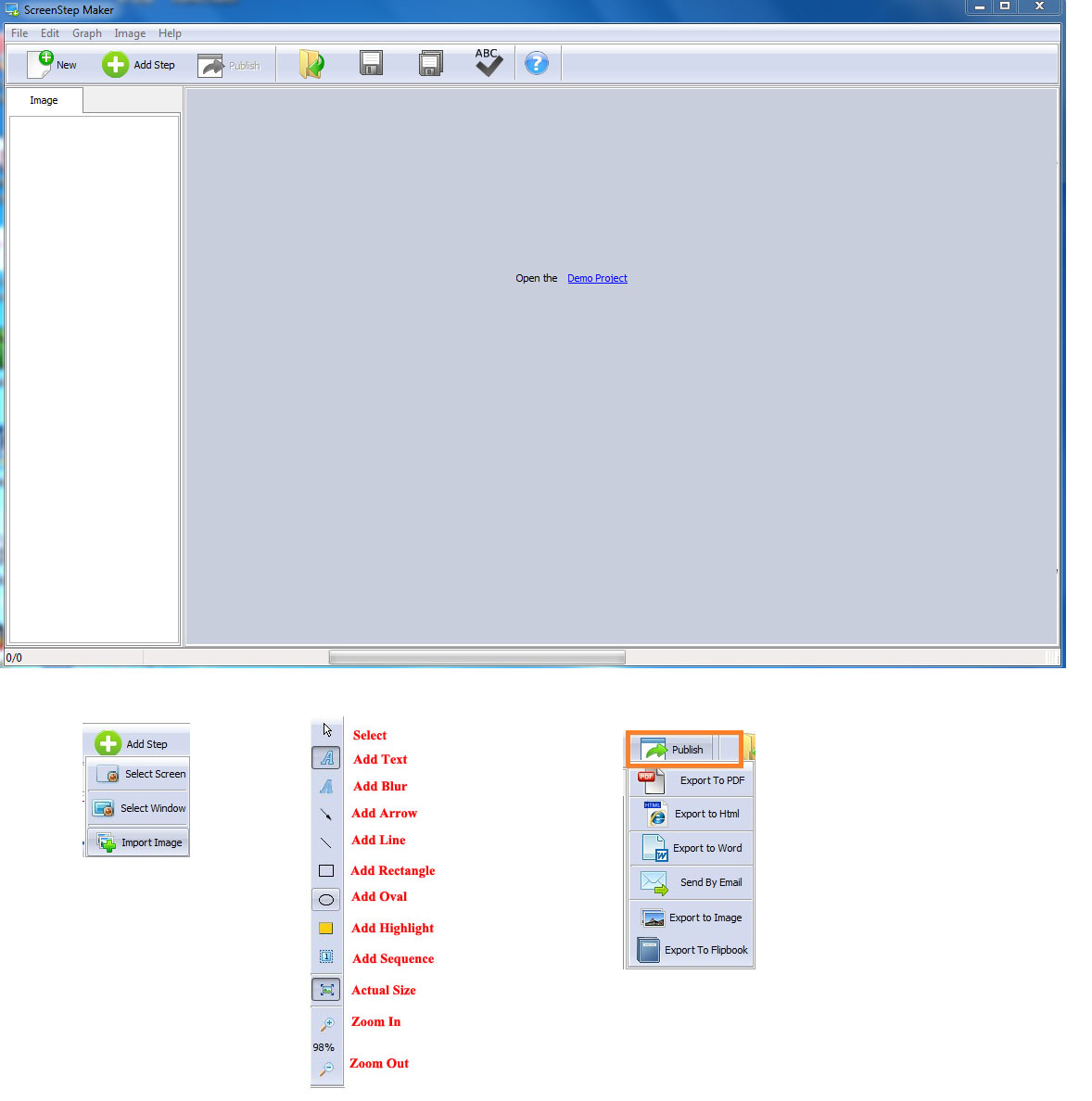 Whether you're a software designer, webmaster, technical writer, teacher or student , you may have a need to make a tutorial. ScreenStep Maker is a very useful but easy-to-use software to create live and clear tutorial from screenshot or images with ease. With ScreenStep Maker, you just capture a picture of each step of the process you are trying to demonstrate.
Windows | Shareware
Read More
VERYUTILS JAVA PDFTOOLS GUI 2.7
Business :: Office Suites & Tools
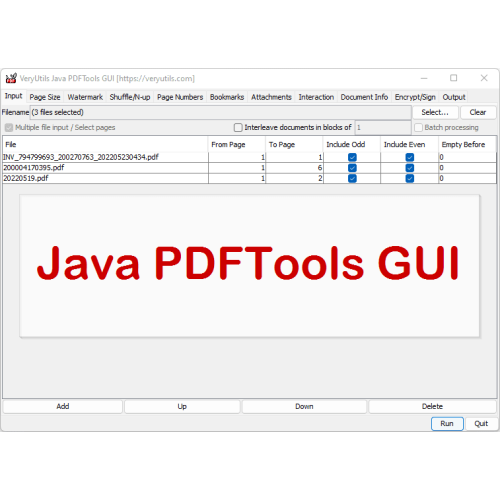 VeryUtils Java PDFTools GUI is a Java Swing application that can combine, split, rotate, reorder, watermark, encrypt, sign, and otherwise to process PDF files. You can use VeryUtils Java PDFTools GUI to make printable booklets from your PDFs, to add PDF bookmarks, effects (page transitions), to combine multiple PDF files, to watermark them, to rotate pages that do not fit, to attach files to your PDF, to encrypt and sign your PDFs.
Windows | Shareware
Read More