


N5 Net Software Repository
Your one-stop for all your software needs.
Search N5 Net Software Repository:
Search Files
Sponsor:
Browse:
- Audio & Multimedia (1582)
- Business (1741)
- Communications (469)
- Desktop (134)
- Development (571)
- Education (165)
- Games & Entertainment (709)
- Graphic Apps (683)
- Home & Hobby (106)
- Network & Internet (544)
- Security & Privacy (505)
- Servers (67)
- System Utilities (9267)
- Web Development (284)
Areas Of Interest
Authors Area
Are you a software author? Take a look at our Author Resource Center where you will find marketing tools, software specifically created for promoting your software and a ton of other helpful resources.
wodSSH 3.1.1
(Click to Enlarge)
Client component that provides support for communication with remote console-type services. Most commonly, it will be used for Telnet based servers (running on UNIX OS), but wodSSH does even more: it allows you to communicate encrypted (and secured, of course) with SSH1 and SSH2 (secure-shell) servers, as well as any other non-encrypted server (such as SMTP or POP3). For ones that don't know - the SSH transport layer is a secure low level transport protocol. It provides strong encryption, cryptographic host authentication, and integrity protection. Using wodSSH is easily - just put it on your form, set Protocol type and issue Connect method - and just wait for things to happen. When in secure mode - you can connect to SSH servers, which are standard today in remote console communication. wodSSH is able to automatically determine if remote server is based on SSH1 or SSH2 protocol version, and communicate accordingly. It will provide you with information about remote server Fingerprint, so you can always get authenticated information about remote server. wodSSH can be used as scripting client. Easily, you can set it up to connect to server, execute one or more commands, wait for response, and just disconnect. And all of it fully automated. It also supports blocking and non-blocking operations, thus it's suitable for many environments, such as ASP. Using WaitFor and Execute methods, it will behave just like expect command known from UNIX systems. When you're unsure when to send actual command, wodSSH may help also. Using it's unique Prompt property, it can fire event for you whenever remote server sent command prompt to enter new command. All you have to do is send new command once this event is fired.
Specifications:
Version: 3.1.1 |
Download
|

Similar Products:
ADVANCED TCP IP DATA LOGGER 5.1.3.310
Communications :: Other Comms Tools
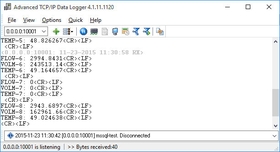 No need to spend days developing your own TCP/IP data tools - TCP/IP Data Logger is here to help! The program collects network data from any device or instrument in real time, sends and receives serial data over the Internet or your LAN. Mold your dataflow the way you want with a built-in parser and send it to any application. It will always be there recording your data, capturing every precious bit. Amazing functionality at an affordable price!
Windows | Shareware
Read More
Network & Internet :: Browsers
 BriskBard is the new web browser for Windows that simplifies many of the most common tasks in Internet integrating in one program a web browser, an email client, a media player, a news aggregator, a file transfer client, a newsgroups reader, a contact manager, instant messaging, and several web developer tools.
Windows | Freeware
Read More
ZOC9 TERMINAL (SSH CLIENT AND TELNET) 9.02.9
Network & Internet :: Terminal & Telnet Clients
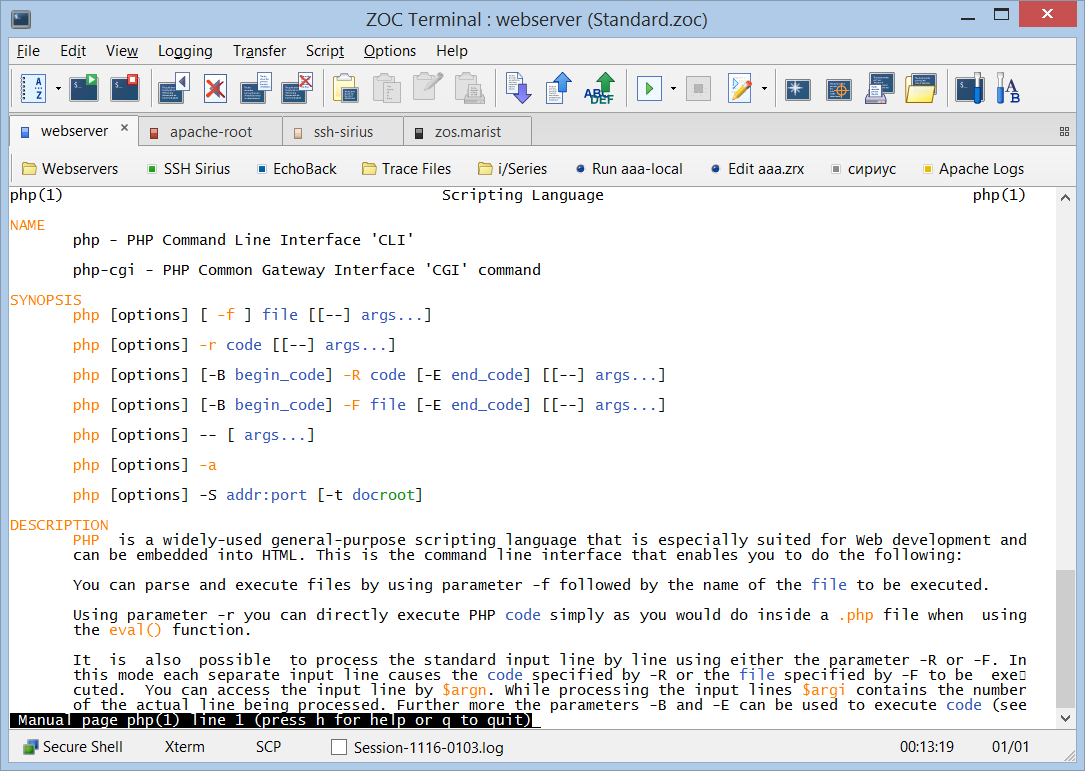 This professional terminal emulator gets you online via SSH/SSH2, Telnet, modem and serial cable. Its sleek user interface with tabbed sessions, solid Xterm, vt220, and Linux terminal emulations make ZOC the preferred tool for everyone who has to access Unix/Linux shell accounts from a Windows or Mac OS X platform. A wide range of options, fast screen output, mappable keys, powerful scripting and many other features make it an exceptional tool.
Windows MAC | Shareware
Read More
Communications :: E-Mail Clients
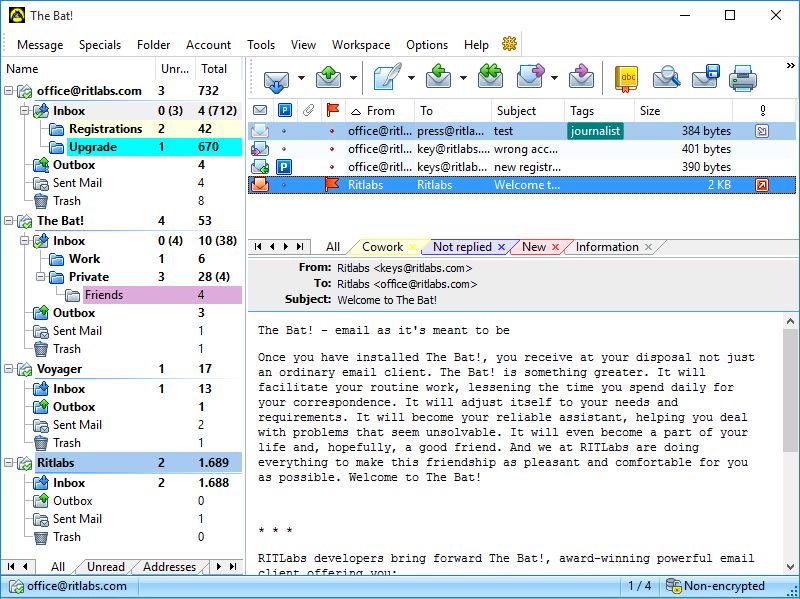 Runs on any Windows PC and Windows 8 tablets. The Bat! is compatible with Microsoft Windows XP and later versions of Windows operating system. There are no minimum requirements for memory size or CPU speed. It runs on any Windows PC platform with at least 1024x768 screen resolution and Windows 8 tablets.
Windows | Shareware
Read More