


N5 Net Software Repository
Your one-stop for all your software needs.
Search N5 Net Software Repository:
Search Files
Sponsor:
Browse:
- Audio & Multimedia (1565)
- Business (1732)
- Communications (466)
- Desktop (182)
- Development (569)
- Education (166)
- Games & Entertainment (707)
- Graphic Apps (683)
- Home & Hobby (105)
- Network & Internet (543)
- Security & Privacy (500)
- Servers (65)
- System Utilities (9315)
- Web Development (281)
Areas Of Interest
Authors Area
Are you a software author? Take a look at our Author Resource Center where you will find marketing tools, software specifically created for promoting your software and a ton of other helpful resources.
Business Barcode Maker Software 5.5.1.2
Business :: Inventory & Barcoding
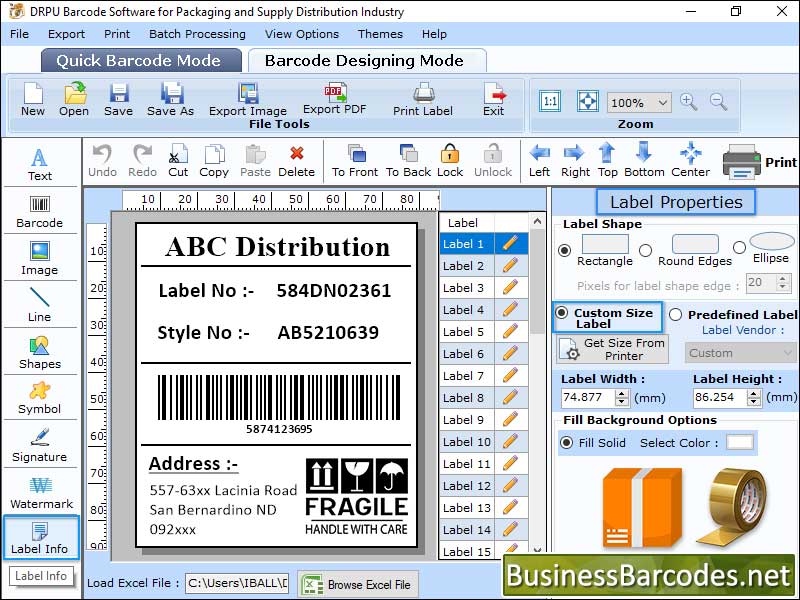
(Click to Enlarge)
Barcode software Create labels, coupons, pictures, stickers, tags, and linear and 2D barcodes in a variety of sizes and forms to satisfy industry-specific requirements. How to generate Linear Barcodes using PDF417 Font? *To generate Linear Barcodes with PDF417 Font symbology, simply click on the barcode setting option and then select the Linear barcode font and PDF417 symbology To build a customized Linear barcode label using the PDF417 barcode fonts, enter the details in the fields Barcode Value, Composite Data, Hide Barcode Header, Show Barcode Value in Top, Bar Height (in cm), and X Dimension. Use the following tabs to adjust the produced barcode image settings: - By using "Settings," you can adjust the margins for the header and footer, left and right, top and bottom, and character grouping, among other things. Change the colour of the barcode, its background, its header and footer, etc. by using the "Colour Settings" feature. By utilizing "Image Settings," Choose Orientation, Image DPI, Bitmap, or Resolution Independent Metafile. *Select Barcode Designing Mode to modify the properties of the label - Select the Label Properties tab to define the label shape, which includes rectangle, round edges, and ellipse. Adjust the label's height and width to suit the situation. There are two ways to select the image path: either by library or by utilizing the Fill Background option to browse an image from your PC. Using the Image Processing Tab, adjust the image's brightness, contrast, and hue. * Turn on the print mode and adjust the other printing parameters as displayed on the Barcode Software screen- Print Mode: To print barcodes, select the manual option. Choose the Label Product and product number when in the Pre-Define Label Stock mode. Page attributes: Change the page orientation, size, and print settings in manual mode (Microsoft Print to PDF, Microsoft XPS Document Writer). Add more details such as the print range, label spacing, and page margins.
Specifications:
Version: 5.5.1.2 |
Download
|

Similar Products:
STANDARD EDITION BARCODE DESIGNING TOOL 5.0.0.8
Business :: Inventory & Barcoding
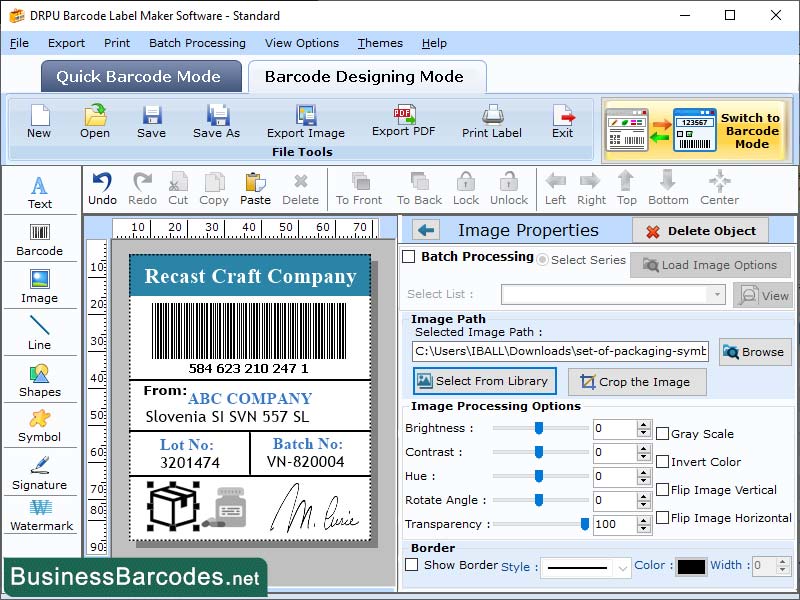 Barcode generator program is tool that aids in creating high-quality printable barcode labels, tags, stickers, and coupons using popular Linear and 2D barcode fonts. Standard Edition software offers user-friendly solution for creating high-resolution barcode images. Bar-coding system utilizes a batch process to generate random, sequential, and constant value barcode series, enabling the creation of barcode images in bulk numbers.
Windows | Shareware
Read More
ONLINE EAN-8 BARCODE GENERATOR 7.5.9
Business :: Inventory & Barcoding
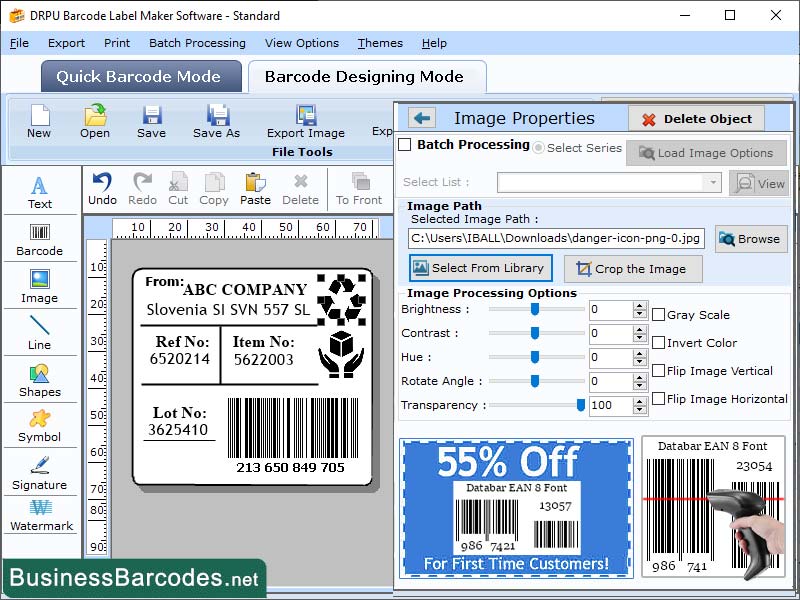 EAN-8 barcodes provide a cost-effective solution for product identification and tracking, making them an affordable technology choice. Due to their cost-effectiveness, EAN-8 barcodes provide an affordable solution for product identification and tracking. Compared to RFID and other technologies, EAN-8 barcodes have significantly lower implementation and maintenance costs, making them a budget-friendly option attractive to businesses of all sizes.
Windows | Shareware
Read More
DOWNLOAD UNIVERSAL PRODUCT CODE BARCODE 10.8
Business :: Inventory & Barcoding
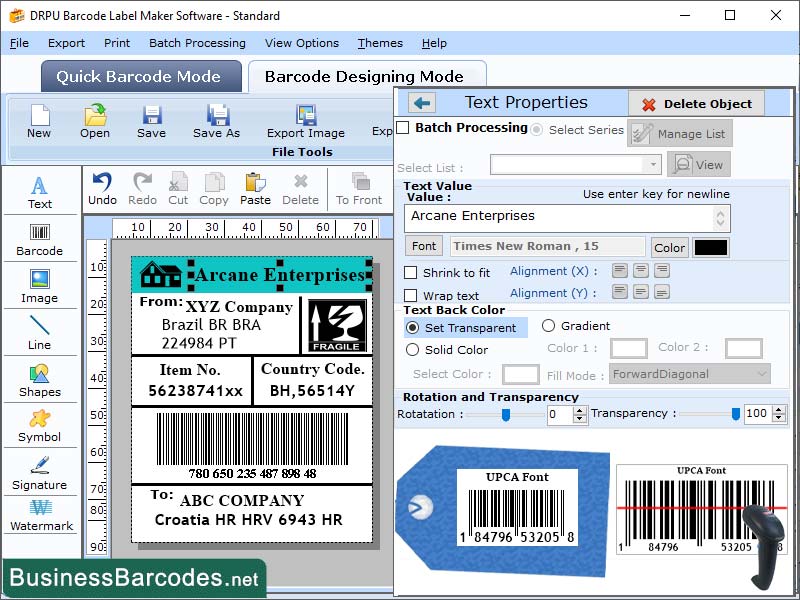 The UPCA (Universal Product Code-A) barcode is a type of linear barcode. UPC barcode is used to encode product details. The UPCA barcode is primarily utilized in the retail industry to facilitate the retrieval of product information, including price and inventory level, at the point of sale. The fact that it only consists of numeric characters is inconsequential in this particular context, as product codes usually comprise solely of numbers.
Windows | Shareware
Read More