


N5 Net Software Repository
Your one-stop for all your software needs.
Search N5 Net Software Repository:
Search Files
Sponsor:
Browse:
- Audio & Multimedia (1596)
- Business (4238)
- Communications (1257)
- Desktop (183)
- Development (602)
- Education (171)
- Games & Entertainment (702)
- Graphic Apps (686)
- Home & Hobby (107)
- Network & Internet (571)
- Security & Privacy (532)
- Servers (65)
- System Utilities (11196)
- Web Development (284)
Areas Of Interest
Authors Area
Are you a software author? Take a look at our Author Resource Center where you will find marketing tools, software specifically created for promoting your software and a ton of other helpful resources.
Install Company Card Making Software 6.4.4
Business :: Office Suites & Tools
(Click to Enlarge)
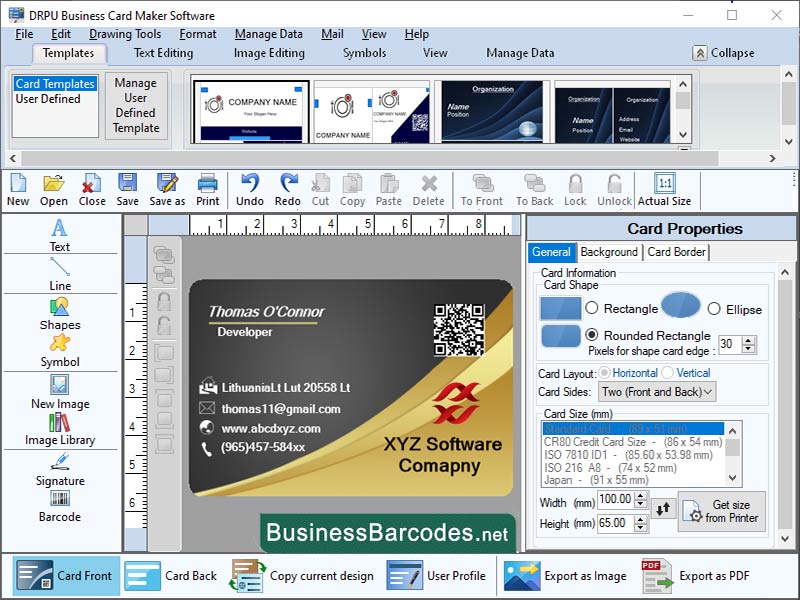
How to validate and test business card designs using business card maker application? To design a business card, first define its purpose and target audience. Choose design template that reflects your brand and message, including colour scheme, font, and layout. Add relevant information, such as your name, title, company name, contact information, and social media handles. Review and revise the design, making necessary revisions. Get feedback from colleagues, friends, or family members to identify areas for improvement. Test the design on different devices to ensure it is legible and visually appealing.Before sending a design to printoffice printer to identify issues like small text or incorrect colours. MOST IMPORTANT USEFUL TOOLS AND KEYBOARD SHORTCUTS IN BUSINESS CARD DESIGNING SOFTWARE: *Tools of business card designing application: Business card maker software offers various features to streamline design process. Pre-designed templates save time and effort. Guides help align objects and ensure consistency. Grids provide a structured framework, while layers organize elements for easy editing. Object alignment features ensure balanced designs. These tools help create professional-looking designs by aligning elements, enhancing the overall user experience. *Keyboard shortcuts of organization card designing application: The keyboard shortcuts Ctrl + N, Ctrl + S, Ctrl + P, Ctrl + Z, Ctrl + Y, Ctrl + C, Ctrl + V, Ctrl + X, Ctrl + A, Ctrl + B, Ctrl + I, Ctrl + U, and Ctrl + O are essential for various functions in Microsoft Office. These shortcuts allow users to create new documents quickly, save documents, print documents, undo actions, copy selected text or objects, paste copied text or objects, cut selected text or objects, select all text or objects, bold selected text, italicize selected text, underline selected text, and open an existing document.
Specifications:
Version: 6.4.4 |
Download
|

Similar Products:
Business :: Office Suites & Tools
 PDF Shaper is a set of feature-rich PDF tools that makes it simple to split, merge, watermark, sign, protect, optimize, convert, encrypt and decrypt your PDF documents. The software is optimized for low CPU resource usage and operates in batch mode, allowing users to process multiple PDF files while doing other work on their computers. PDF Shaper's clean, intuitive interface allows users to become productive in just a few minutes.
Windows | Shareware
Read More
Business :: Office Suites & Tools
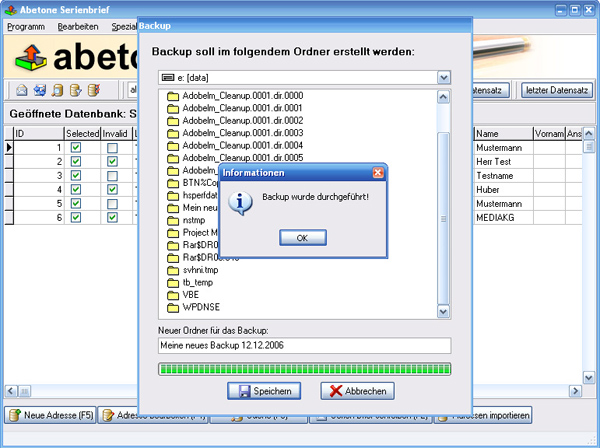 Data base software with serial letter function with personal address
Windows | Shareware
Read More
Business :: Office Suites & Tools
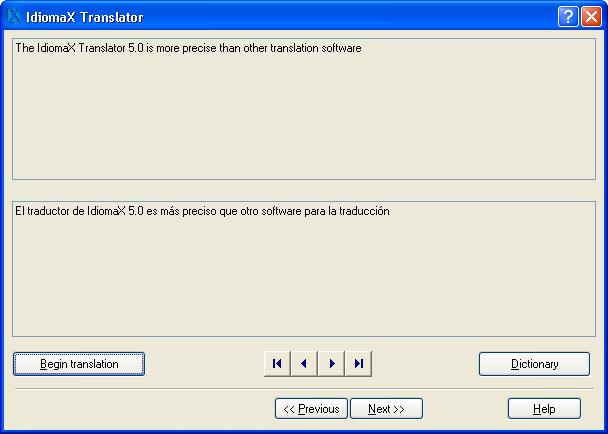 With this assistant-like program you can translate whole documents, not word by word, but analyzing complete sentences. You can also make spell checking, select the text that you do not wish translated, edit the program dictionaries and select the text specialties, before the translation process begins. Translation to/from English, Spanish, Italian and French are included.
Windows | Shareware
Read More
UNIPDF PDF TO DOC CONVERTER 1.3.4
Business :: Office Suites & Tools
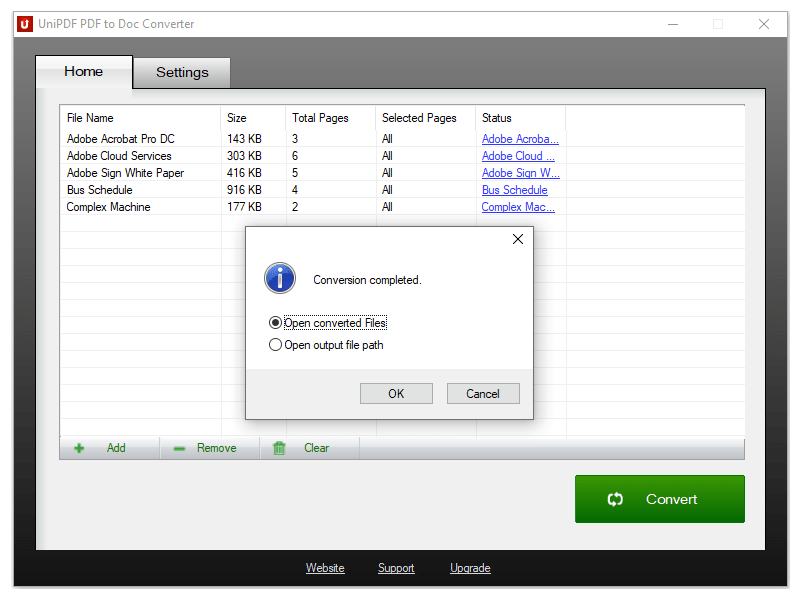 100% Free PDF to Doc converter software. Convert PDF to Doc format in batch mode and keep original document texts, layouts, images. This easy-to-use PDF to Doc converter allows you to change PDF files into Word documents in seconds in only two simple steps: Add PDF files; Convert. It's just that easy! Unlike other online PDF to Doc converters, you don't need to register, upload, and download to get the job done.
Windows | Freeware
Read More