


N5 Net Software Repository
Your one-stop for all your software needs.
Search N5 Net Software Repository:
Search Files
Sponsor:
Browse:
- Audio & Multimedia (1565)
- Business (1732)
- Communications (466)
- Desktop (182)
- Development (569)
- Education (166)
- Games & Entertainment (707)
- Graphic Apps (683)
- Home & Hobby (105)
- Network & Internet (543)
- Security & Privacy (500)
- Servers (65)
- System Utilities (9315)
- Web Development (281)
Areas Of Interest
Authors Area
Are you a software author? Take a look at our Author Resource Center where you will find marketing tools, software specifically created for promoting your software and a ton of other helpful resources.
Professional Business Cards Tool 3.4.4
Business :: Office Suites & Tools
(Click to Enlarge)
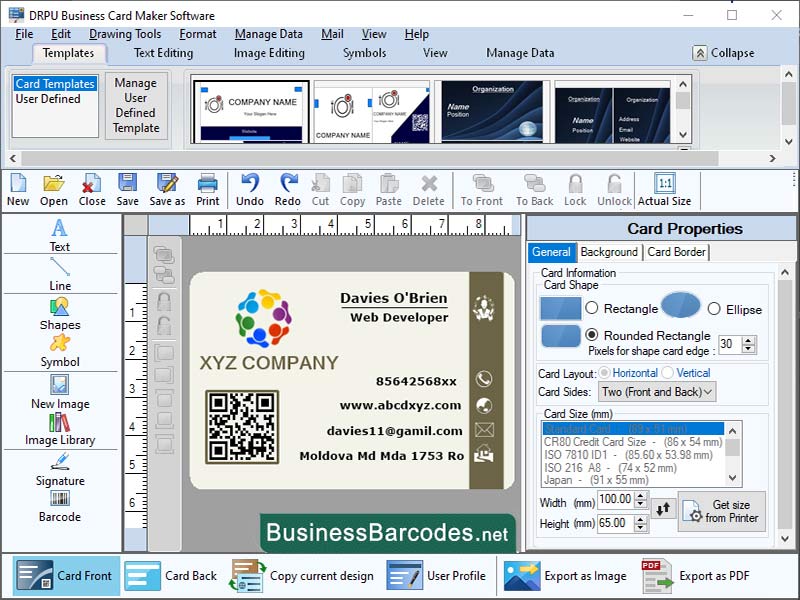
ENSURING COMPATIBILITY WITH DIFFERENT PRINTING METHODS AND EQUIPMENT: *Offset printing is traditional high-volume printing method, requiring a bleed area of at least 1/8 inch and a PDF file with appropriate bleed and trim marks. *Digital printing is modern short-run printing method, requiring a high-resolution PDF or PSD file with bleed and trim marks. *Foil stamping is a printing method that involves pressing metallic foil onto the card surface, requiring a bleed area of at least 1/8 inch and an EPS or AI file with bleed and trim marks. COMMON FILE FORMATS FOR BUSINESS CARD MAKING SOFTWARE: *EPS (Encapsulated PostScript): EPS is vector-based file format ideal for high-quality graphics and illustrations, commonly used in business card designs. Convert fonts to outlines, include bleed and trim marks, if necessary.*PDF (Portable Document Format): PDF is a versatile file format that preserves document layout, fonts, and graphics, compatible with most printing methods and easily shared via email or online platforms. Enable font embedding and include bleed and trim marks. *PSD (Adobe Photoshop): PSD is a raster-based file format used for creating high-quality business card designs. To ensure high-quality printing, set the resolution to 300 dpi and include necessary bleed and trim marks. BEST PRACTICES FOR BUSINESS CARD SOFTWARE FOR PRINT:To design a business card for print, consider the size and orientation, choosing the right fonts and colours, and choosing the right file format. Choose easy-to-read fonts and colours that match your brand identity, avoiding too many different options. For print production, consider using bleed for trimming and a high-resolution PDF file format. Keep the design simple and consistent, using the same fonts, colours, and design elements as your website, social media accounts, and other marketing materials.
Specifications:
Version: 3.4.4 |
Download
|

Similar Products:
Business :: Office Suites & Tools
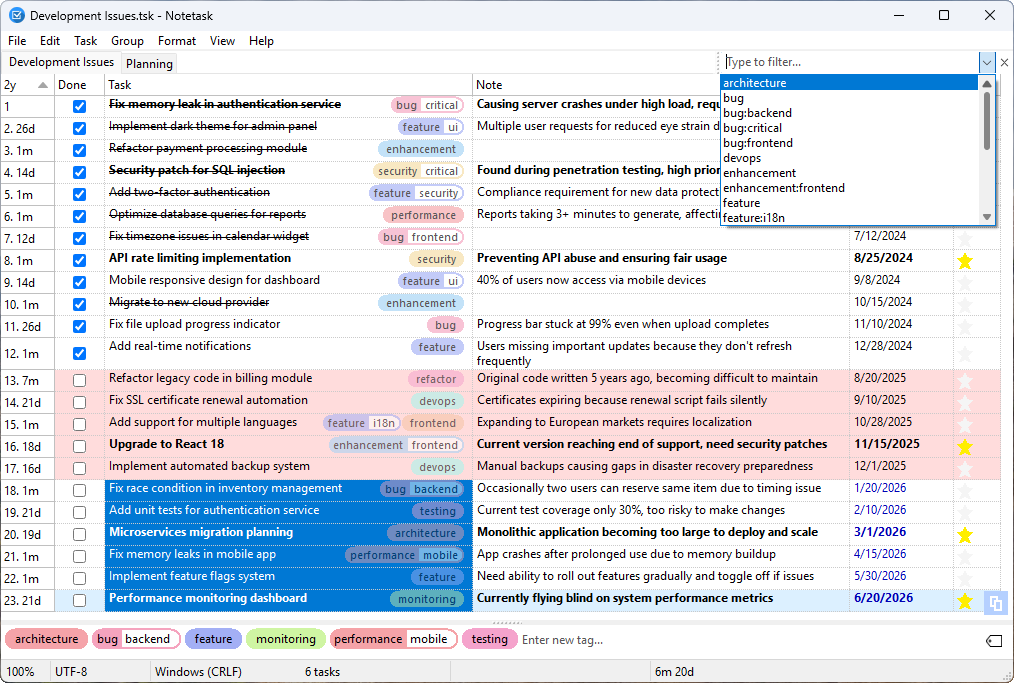 Notetask is a free and open-source cross-platform task manager and note-taking application for Windows and Linux, written in Lazarus (Free Pascal). The core idea of Notetask is simple: it stores tasks and notes in plain text files, where each line represents a separate task or note. Users can also choose to save their files in an encrypted format for personal information, while all data remains local to their device.
Windows Linux | Freeware
Read More
BATCH DOCX TO DOC CONVERTER 2026.18.211
Business :: Office Suites & Tools
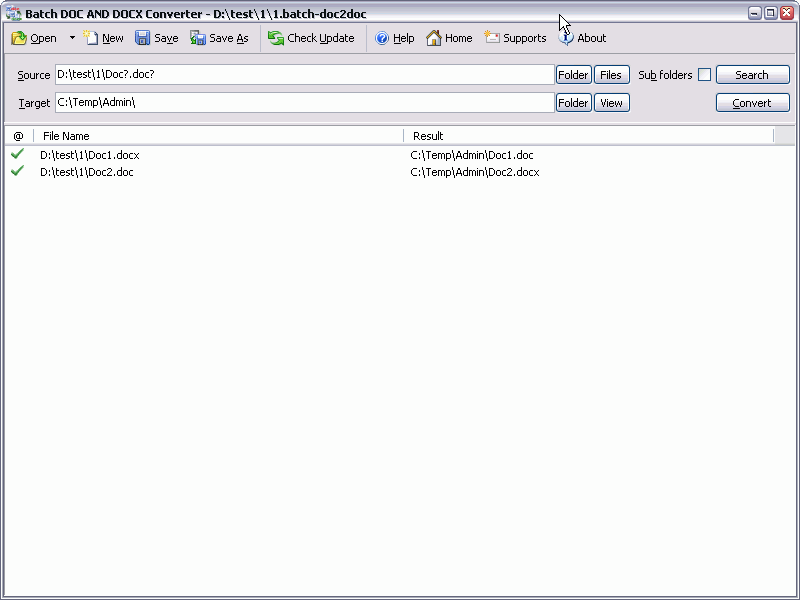 Batch DOC AND DOCX Converter is a Word DOC to DOCX DOCX to DOC Batch Converter that can convert Word DOC to DOCX and DOCX to DOC easily. Batch DOC TO DOCX Converter supports powerful search for a lot of files. A DOC and DOCX converter for Word. Batch DOC AND DOCX Converter supports project and command line. Batch DOC AND DOCX Converter has a friendly GUI so it is used very easily. Batch DOC AND DOCX Converter Drag and Explorer Context supported.
Windows | Shareware
Read More
BATCH XLSX TO XLS CONVERTER 2026.18.211
Business :: Office Suites & Tools
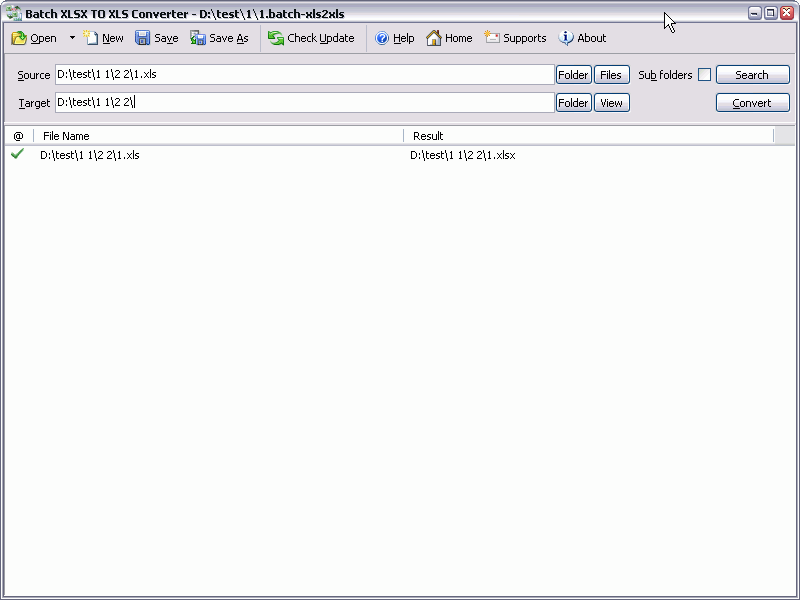 Batch XLS AND XLSX Converter is a Excel XLS to XLSX XLSX to XLS Batch Converter that can convert Excel XLS to XLSX and XLSX to XLS easily. Batch XLS TO XLSX Converter supports powerful search for a lot of files. A XLS and XLSX converter for Excel. Batch XLS AND XLSX Converter supports project and command line. Batch XLS AND XLSX Converter has a friendly GUI so it is used very easily. Batch XLS & XLSX Converter Drag and Explorer Context supported.
Windows | Shareware
Read More
BATCH WORD TO PNG CONVERTER 2026.18.211
Business :: Office Suites & Tools
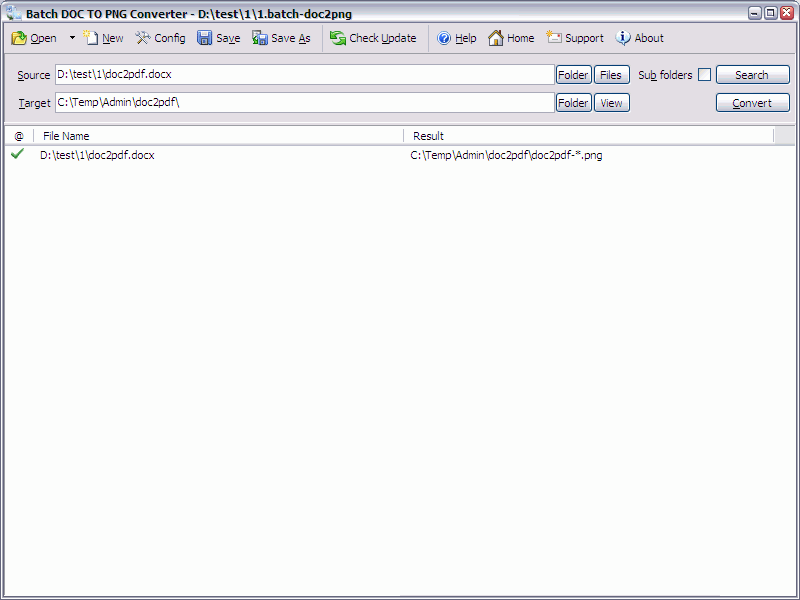 Batch DOC TO PNG Converter is a Word to PNG DOC/DOCX to PNG Batch Converter that can convert Word DOC/DOCX to PNG (Portable Network Graphics) easily. Batch DOC TO PNG Converter supports powerful search for a lot of files. A PNG publisher for Word. Batch DOC TO PNG Converter supports project and command line. Batch DOC TO PNG Converter has a friendly GUI so it is used very easily. Batch DOC TO PNG Converter Drag and Explorer Context supported.
Windows | Shareware
Read More