


N5 Net Software Repository
Your one-stop for all your software needs.
Search N5 Net Software Repository:
Search Files
Sponsor:
Browse:
- Audio & Multimedia (1565)
- Business (1732)
- Communications (466)
- Desktop (182)
- Development (569)
- Education (166)
- Games & Entertainment (707)
- Graphic Apps (683)
- Home & Hobby (105)
- Network & Internet (543)
- Security & Privacy (500)
- Servers (65)
- System Utilities (9315)
- Web Development (281)
Areas Of Interest
Authors Area
Are you a software author? Take a look at our Author Resource Center where you will find marketing tools, software specifically created for promoting your software and a ton of other helpful resources.
Accessible Business Card Software 7.3.9.7
Business :: Office Suites & Tools
(Click to Enlarge)
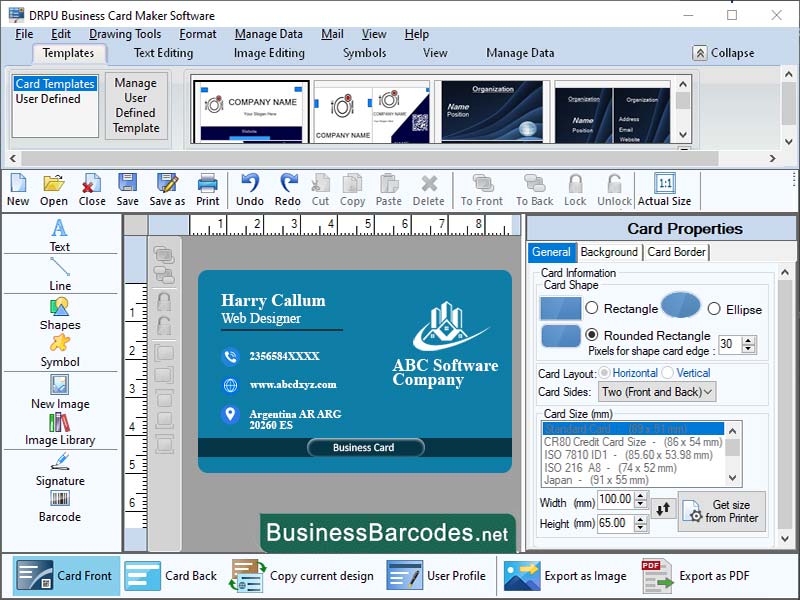
Let you know about the best practices for designing consistent and more accessible business cards. You should follow these practices to do so: *Choose right software: Select software with diverse design templates, fonts, and graphics, and a user-friendly interface, like Canva, Adobe Spark, and Design hill, for a comprehensive business card maker. *Define the branding guidelines: To create a successful business card design, it's essential to establish branding guidelines, which should include the colours, fonts, and logo of your brand, ensuring they align with the overall style and aesthetic of your business. *Use high quality graphics: High-resolution images and graphics are recommended for a crisp and clear design, as most business card maker software provides a variety of high-quality graphics and images for incorporation. *Keep it professional: Maintain a professional business card design by avoiding excessive graphics or fonts, opting for a simple, clean, polished, and professional appearance. HOW TO AVOID COMMON MISTAKES TO CREATE AN ENHANCED BUSINESS CARD? User should follow these recommendations: *Low-resolution images: To avoid mistakes, use high-resolution images for business card design, with a resolution of at least 300 DPI when searching online. *Incorrect colours: To avoid mistakes, select colours that match your business's branding, use complementary colours, and limit the number of colours used to two or three for a cohesive look. *Incorrect bleed margins: To avoid mistakes, ensure to set the correct bleed margins when designing your business card, which should be at least 1/8 inch (0.125 inches) on all sides. *Cluttered designs: To avoid mistakes, maintain a simple and clean business card design, focusing on essential information like your name, company name, and contact details. *Poor font choice: To avoid making a mistake, opt for a font that is easily read and complements the style of your business.
Specifications:
Version: 7.3.9.7 |
Download
|

Similar Products:
Business :: Office Suites & Tools
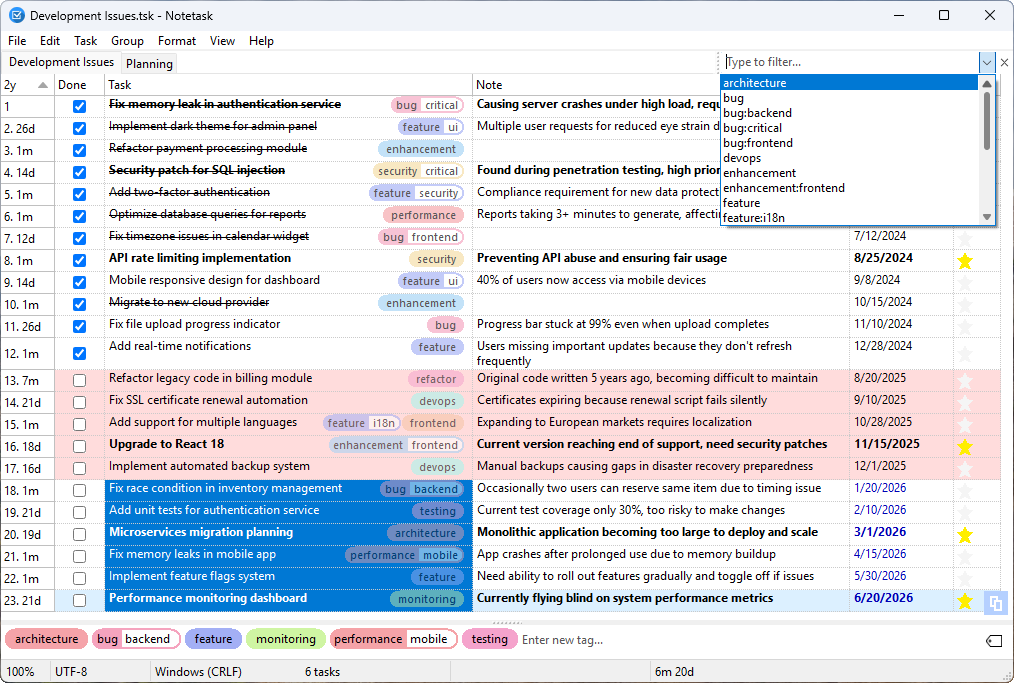 Notetask is a free and open-source cross-platform task manager and note-taking application for Windows and Linux, written in Lazarus (Free Pascal). The core idea of Notetask is simple: it stores tasks and notes in plain text files, where each line represents a separate task or note. Users can also choose to save their files in an encrypted format for personal information, while all data remains local to their device.
Windows Linux | Freeware
Read More
Business :: Office Suites & Tools
 PDF Shaper is a set of feature-rich PDF tools that makes it simple to split, merge, watermark, sign, protect, optimize, convert, encrypt and decrypt your PDF documents. The software is optimized for low CPU resource usage and operates in batch mode, allowing users to process multiple PDF files while doing other work on their computers. PDF Shaper's clean, intuitive interface allows users to become productive in just a few minutes.
Windows | Shareware
Read More
Business :: Office Suites & Tools
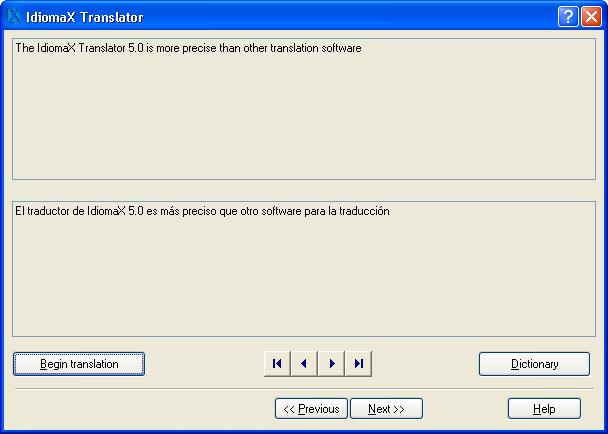 With this assistant-like program you can translate whole documents, not word by word, but analyzing complete sentences. You can also make spell checking, select the text that you do not wish translated, edit the program dictionaries and select the text specialties, before the translation process begins. Translation to/from English, Spanish, Italian and French are included.
Windows | Shareware
Read More
UNIPDF PDF TO DOC CONVERTER 1.3.4
Business :: Office Suites & Tools
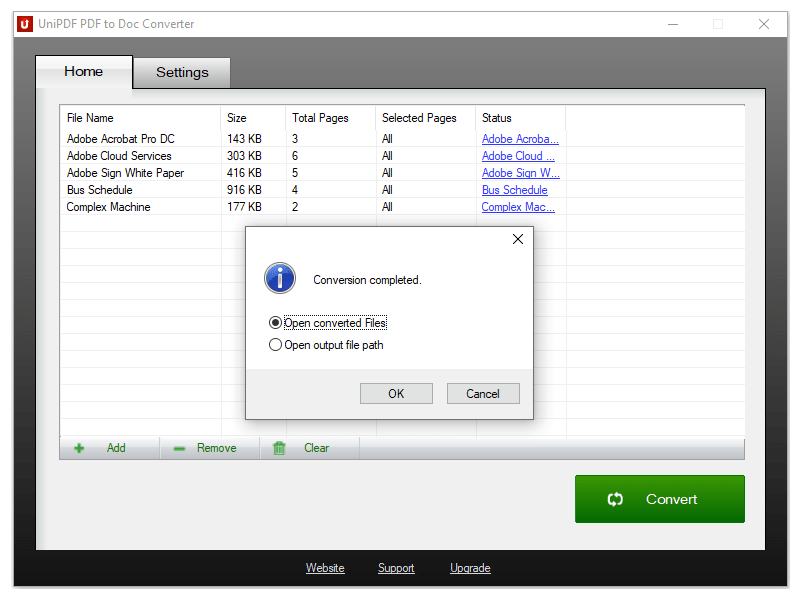 100% Free PDF to Doc converter software. Convert PDF to Doc format in batch mode and keep original document texts, layouts, images. This easy-to-use PDF to Doc converter allows you to change PDF files into Word documents in seconds in only two simple steps: Add PDF files; Convert. It's just that easy! Unlike other online PDF to Doc converters, you don't need to register, upload, and download to get the job done.
Windows | Freeware
Read More