


N5 Net Software Repository
Your one-stop for all your software needs.
Search N5 Net Software Repository:
Search Files
Sponsor:
Browse:
- Audio & Multimedia (1596)
- Business (4238)
- Communications (1257)
- Desktop (183)
- Development (602)
- Education (171)
- Games & Entertainment (702)
- Graphic Apps (686)
- Home & Hobby (107)
- Network & Internet (571)
- Security & Privacy (532)
- Servers (65)
- System Utilities (11196)
- Web Development (284)
Areas Of Interest
Authors Area
Are you a software author? Take a look at our Author Resource Center where you will find marketing tools, software specifically created for promoting your software and a ton of other helpful resources.
Printing Compatible Visitor Card Maker 7.0.7.0
Business :: Office Suites & Tools
(Click to Enlarge)
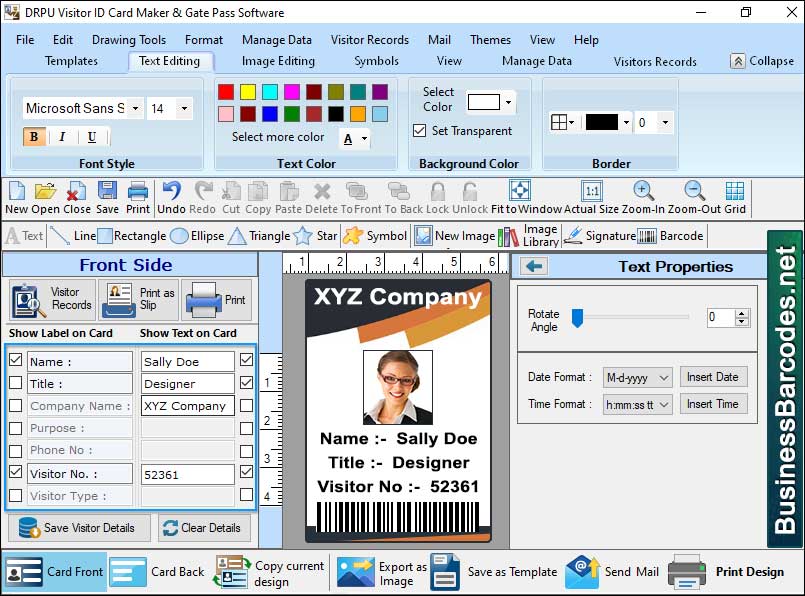
Possibility to use Visitor ID Card Software to Print on Both Sides of the Card:-Visitor ID card software enable for printing on both sides of card, and enhance the efficiency of using the front and back of the ID card for additional information or design elements. *Designing the Front and Back:-Visitor ID card maker software typically provide many design areas or template to design the layout and content for both front and back sides of the visitor ID card. *Front Side Design:-Create a single-sided ID card with a visitor?s image, name, company, designation, and other relevant information. *Back Side Design:-Design a back side ID card including such information contact numbers, visitor policies, branding elements, or other information. *Printing Settings:-User should be ensuring accurate printing of both sides of the visitor ID card, it?s essential to configure the printing settings within the visitor ID card software. *Printer Compatibility:-User should ensure your printer support double sides printing or not. *Print Preview:-Print preview option is given by the visitor ID card maker which helps to recheck your visitor ID card before final printing. *Print and Finish:-After evaluating the print preview, proceed to print ID cards using the appropriate card stock compatible with your printer. Types of Printers that are Compatible with Visitor ID Card Software:-User should consider these factors when selecting a printer for use with visitor ID card software. *At selecting printer user should consider print quality and resolution capabilities. To ensure sharp and clear prints, it is recommended to opt for printers with high resolution, expressed in DPI - dots per inch.* User should ensure the color compatibly of the printer. *User should be considered printer's capacity to handle card stock or blank ID cards. *Printer must be compatible with the operating system on which the visitor ID card software will be run.
Specifications:
Version: 7.0.7.0 |
Download
|

Similar Products:
Business :: Office Suites & Tools
 PDF Shaper is a set of feature-rich PDF tools that makes it simple to split, merge, watermark, sign, protect, optimize, convert, encrypt and decrypt your PDF documents. The software is optimized for low CPU resource usage and operates in batch mode, allowing users to process multiple PDF files while doing other work on their computers. PDF Shaper's clean, intuitive interface allows users to become productive in just a few minutes.
Windows | Shareware
Read More
Business :: Office Suites & Tools
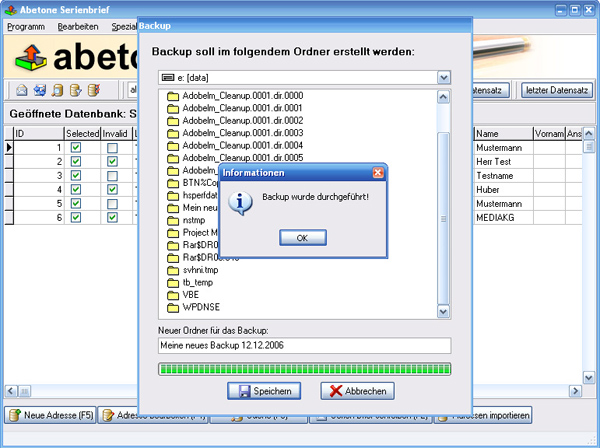 Data base software with serial letter function with personal address
Windows | Shareware
Read More
Business :: Office Suites & Tools
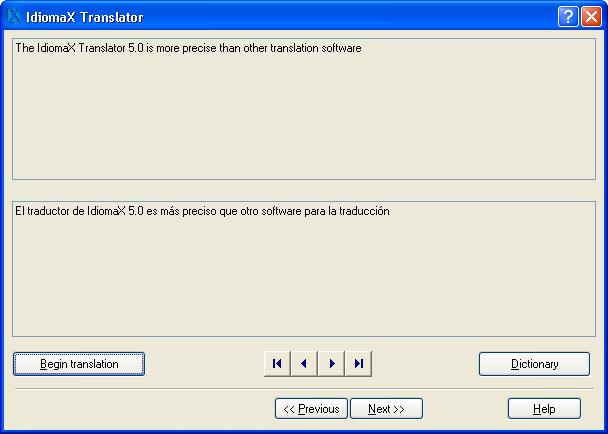 With this assistant-like program you can translate whole documents, not word by word, but analyzing complete sentences. You can also make spell checking, select the text that you do not wish translated, edit the program dictionaries and select the text specialties, before the translation process begins. Translation to/from English, Spanish, Italian and French are included.
Windows | Shareware
Read More
UNIPDF PDF TO DOC CONVERTER 1.3.4
Business :: Office Suites & Tools
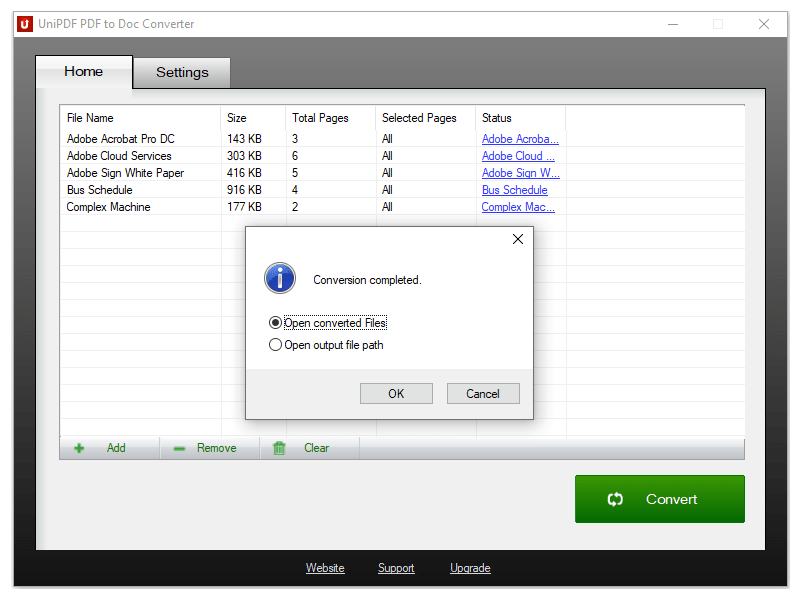 100% Free PDF to Doc converter software. Convert PDF to Doc format in batch mode and keep original document texts, layouts, images. This easy-to-use PDF to Doc converter allows you to change PDF files into Word documents in seconds in only two simple steps: Add PDF files; Convert. It's just that easy! Unlike other online PDF to Doc converters, you don't need to register, upload, and download to get the job done.
Windows | Freeware
Read More