


N5 Net Software Repository
Your one-stop for all your software needs.
Search N5 Net Software Repository:
Search Files
Sponsor:
Browse:
- Audio & Multimedia (1596)
- Business (4238)
- Communications (1258)
- Desktop (183)
- Development (602)
- Education (171)
- Games & Entertainment (702)
- Graphic Apps (686)
- Home & Hobby (107)
- Network & Internet (571)
- Security & Privacy (532)
- Servers (65)
- System Utilities (11196)
- Web Development (284)
Areas Of Interest
Authors Area
Are you a software author? Take a look at our Author Resource Center where you will find marketing tools, software specifically created for promoting your software and a ton of other helpful resources.
Design Customized Logo Software 5.8.5.4
Business :: Office Suites & Tools
(Click to Enlarge)
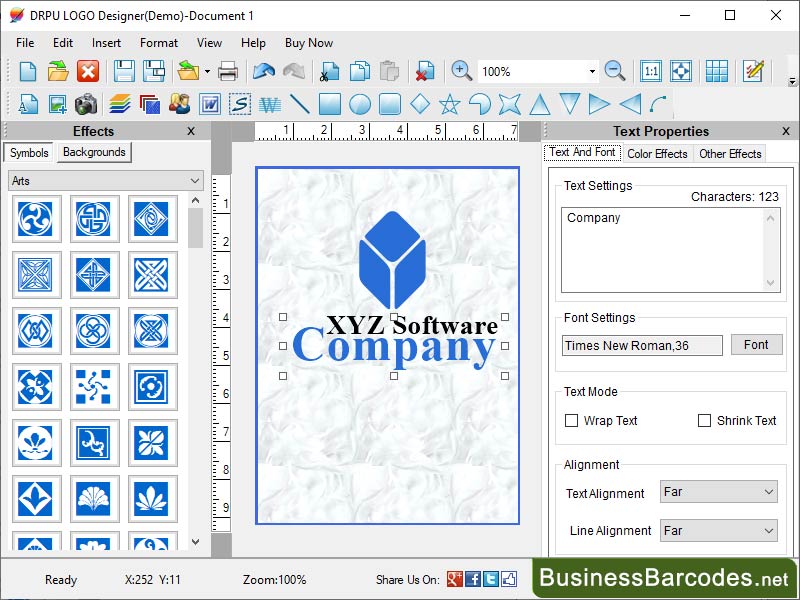
What are the design rules for creating a logo using Logo Maker Software? *Consistency establishes visual harmony and helps build recognition and brand familiarity over time. *A simple logo is easier to recognize, memorable and versatile across different medium. *Scalability is down and up to see if any elements become distorted or indistinguishable. *Select a colour palette that reflects your brand personality and resonates with your target audience. *Negative space refers to the empty or blank space between and around design elements. *Achieve visual balance by distributing elements evenly and proportionately. *Timeless logo will help maintain brand consistency and avoid the need for frequent rebranding. How can create a 3D Logo using a logo maker software? Yes, Logo Maker software tools provide features and functionality that allow you to create 3D logos. Logo Maker software typically offers a range of pre-designed templates or a blank canvas for you to start your logo design. Look for options that provide 3D elements such as shapes, text, icons, or symbols. Chosen 3D elements, you can start customizing them. Enhance 3D effect by applying appropriate colours and gradients to different elements of your logo. Some Logo Maker software tools may offer options to apply textures or special effects to your 3D logo elements. If your logo includes text, ensure that it is integrated seamlessly into the 3D design. Ensure that logo maintains its 3D appearance and visual impact when scaled or used across various platforms and mediums. Colour selection in logo maker software: Colours are powerful tools for establishing brand identity. Warm colours like red and orange can create a sense of excitement, passion, and energy, while cool colours like blue and green can convey calmness, trust, and serenity. Choice of colours can differentiate your logo from competitors in the market, and colour hold cultural physiology significance.
Specifications:
Version: 5.8.5.4 |
Download
|

Similar Products:
ALLMYNOTES ORGANIZER LITE EDITION 4.16
Business :: Office Suites & Tools
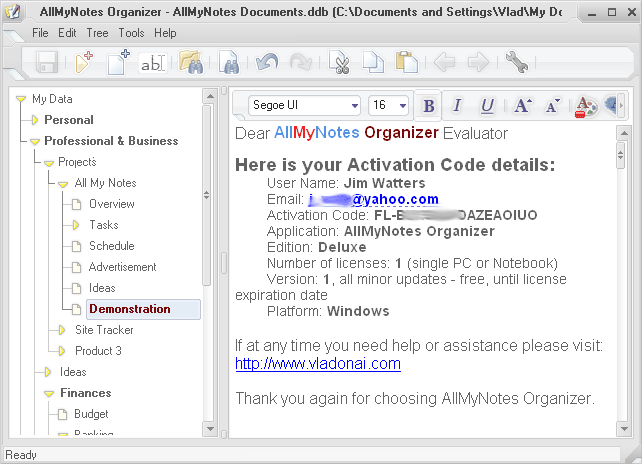 AllMyNotes Organizer Lite - the versatile assistant for storing your precious thoughts. Your information is your capital - treat it like something irreplaceable. AllMyNotes Organizer Lite provides a secure experience for capturing all piece of information in your digital world Different from online applications, AllMyNotes saves your content offline, providing complete freedom
Windows | Freeware
Read More
Business :: Office Suites & Tools
 PDF Shaper is a set of feature-rich PDF tools that makes it simple to split, merge, watermark, sign, protect, optimize, convert, encrypt and decrypt your PDF documents. The software is optimized for low CPU resource usage and operates in batch mode, allowing users to process multiple PDF files while doing other work on their computers. PDF Shaper's clean, intuitive interface allows users to become productive in just a few minutes.
Windows | Shareware
Read More
Business :: Office Suites & Tools
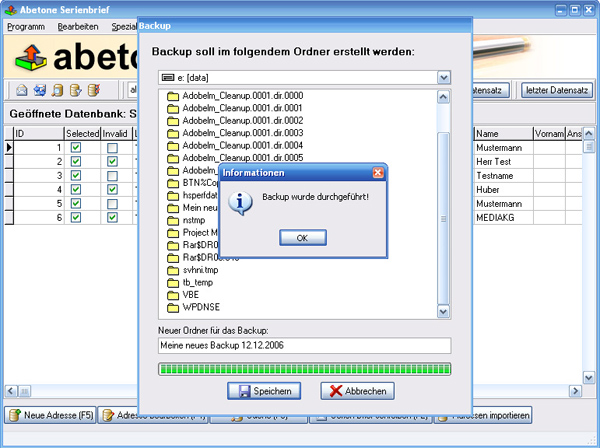 Data base software with serial letter function with personal address
Windows | Shareware
Read More
Business :: Office Suites & Tools
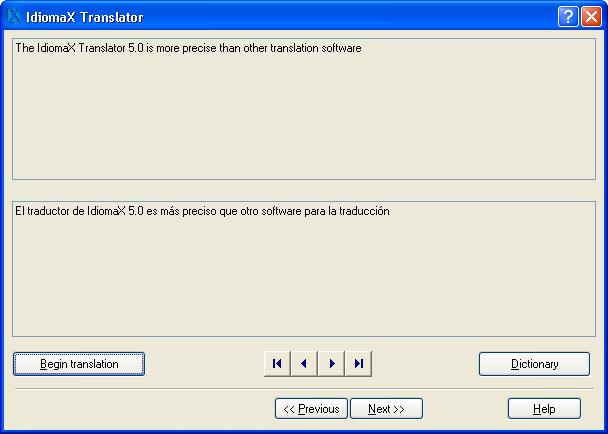 With this assistant-like program you can translate whole documents, not word by word, but analyzing complete sentences. You can also make spell checking, select the text that you do not wish translated, edit the program dictionaries and select the text specialties, before the translation process begins. Translation to/from English, Spanish, Italian and French are included.
Windows | Shareware
Read More