


N5 Net Software Repository
Your one-stop for all your software needs.
Search N5 Net Software Repository:
Search Files
Sponsor:
Browse:
- Audio & Multimedia (1596)
- Business (4238)
- Communications (1257)
- Desktop (183)
- Development (602)
- Education (171)
- Games & Entertainment (702)
- Graphic Apps (686)
- Home & Hobby (107)
- Network & Internet (571)
- Security & Privacy (532)
- Servers (65)
- System Utilities (11196)
- Web Development (284)
Areas Of Interest
Authors Area
Are you a software author? Take a look at our Author Resource Center where you will find marketing tools, software specifically created for promoting your software and a ton of other helpful resources.
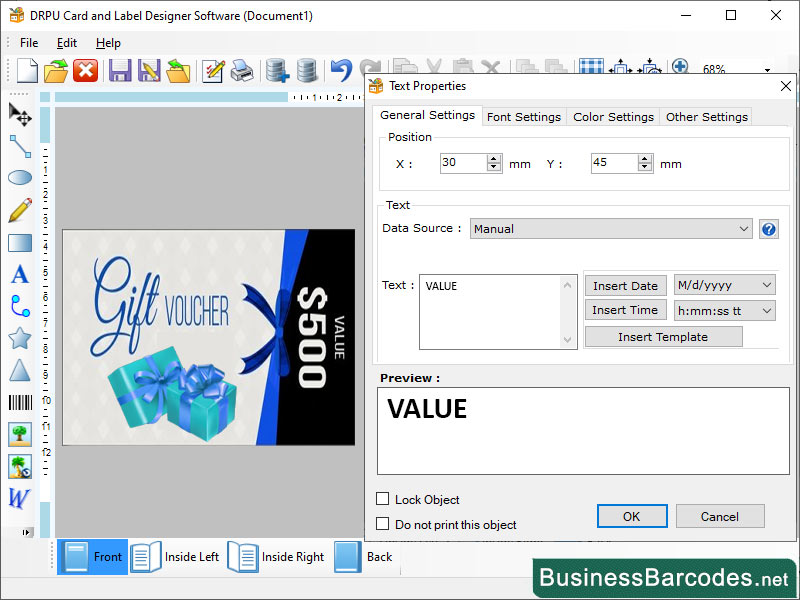
Label Design Tool for Packaging 5.8.7.5
Business :: Office Suites & Tools
(Click to Enlarge)
Software can create high quality label design, businesses can enhance the appeal of products, build brand equity, and drive sales over time. What are the different types of labels? *Paper Labels are affordable, easy to print, and can be applied to almost any type of surface. *Pressure sensitive Labels are ideal for products that need to be labeled quickly and efficiently. *Film labels are made from plastic materials like polyethylene, polypropylene, and polyester. *Foil labels are ideal for products that need to stand out on the shelf and attract the customer's attention. *Thermal Transfer Label are made using a thermal transfer printer that transfers ink from a ribbon onto the label surface. *Clear Label can be printed using different printing methods like digital or flexographic printing. Practices for Designing warning Labels: Software designing effective warning labels and safety information is to understand the user. Warning labels and safety information should be clear and concise. Use simple language and avoid technical jargon or complex terminology. Graphics and symbols can be a powerful tool for conveying safety information. Consistency also helps to build brand recognition and trust. Color, make sure it is consistent with industry standards and is easily recognizable. Choosing the factor of label for product: * If your product is stored in a harsh environment, you may need to choose a label that can withstand the conditions. * *Printing method you choose for your label will depend on the label type and the design you need. *Label you choose should be consistent with your brand's image and values. * Label's size and shapes should be proportional to the product packaging. *Label should include all the necessary information about the product, such as ingredients, usage instructions, and safety warnings. *Label should be visually appealing and consistent with your company brand's image.
Specifications:
Version: 5.8.7.5 |
Download
|

Similar Products:
Business :: Office Suites & Tools
 PDF Shaper is a set of feature-rich PDF tools that makes it simple to split, merge, watermark, sign, protect, optimize, convert, encrypt and decrypt your PDF documents. The software is optimized for low CPU resource usage and operates in batch mode, allowing users to process multiple PDF files while doing other work on their computers. PDF Shaper's clean, intuitive interface allows users to become productive in just a few minutes.
Windows | Shareware
Read More
Business :: Office Suites & Tools
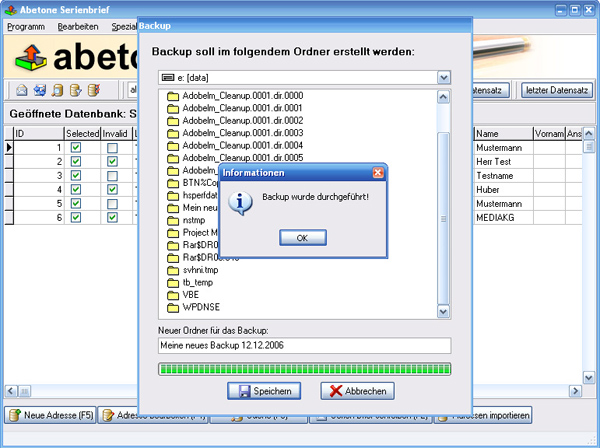 Data base software with serial letter function with personal address
Windows | Shareware
Read More
Business :: Office Suites & Tools
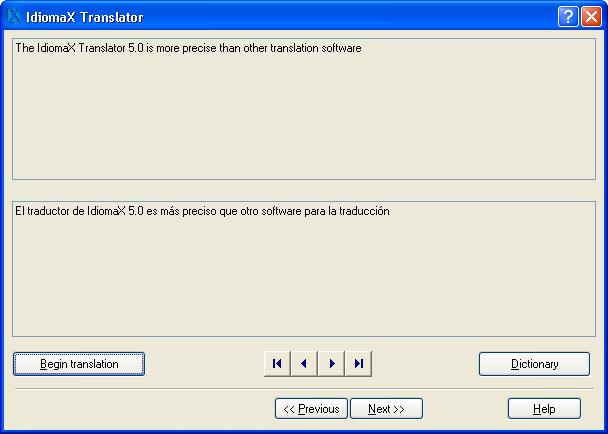 With this assistant-like program you can translate whole documents, not word by word, but analyzing complete sentences. You can also make spell checking, select the text that you do not wish translated, edit the program dictionaries and select the text specialties, before the translation process begins. Translation to/from English, Spanish, Italian and French are included.
Windows | Shareware
Read More
UNIPDF PDF TO DOC CONVERTER 1.3.4
Business :: Office Suites & Tools
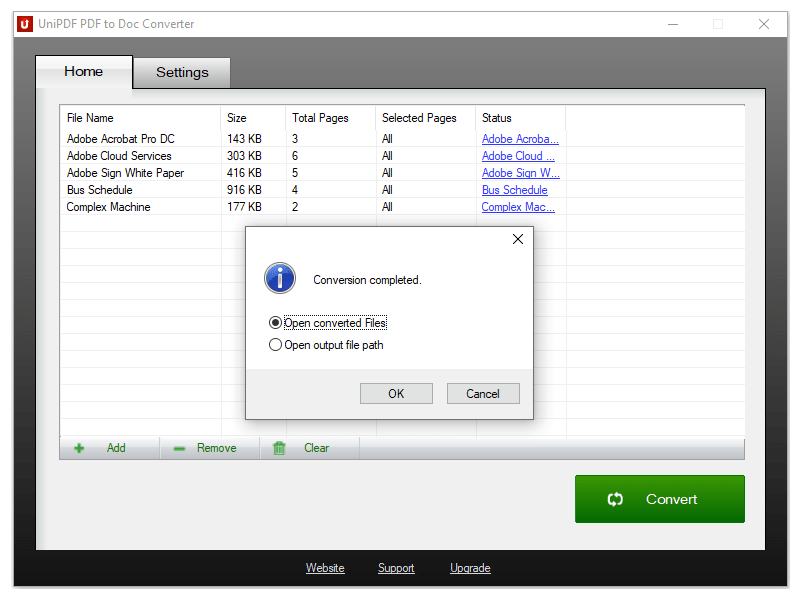 100% Free PDF to Doc converter software. Convert PDF to Doc format in batch mode and keep original document texts, layouts, images. This easy-to-use PDF to Doc converter allows you to change PDF files into Word documents in seconds in only two simple steps: Add PDF files; Convert. It's just that easy! Unlike other online PDF to Doc converters, you don't need to register, upload, and download to get the job done.
Windows | Freeware
Read More