


N5 Net Software Repository
Your one-stop for all your software needs.
Search N5 Net Software Repository:
Search Files
Sponsor:
Browse:
- Audio & Multimedia (1565)
- Business (1732)
- Communications (466)
- Desktop (182)
- Development (569)
- Education (166)
- Games & Entertainment (707)
- Graphic Apps (683)
- Home & Hobby (105)
- Network & Internet (543)
- Security & Privacy (500)
- Servers (65)
- System Utilities (9315)
- Web Development (281)
Areas Of Interest
Authors Area
Are you a software author? Take a look at our Author Resource Center where you will find marketing tools, software specifically created for promoting your software and a ton of other helpful resources.
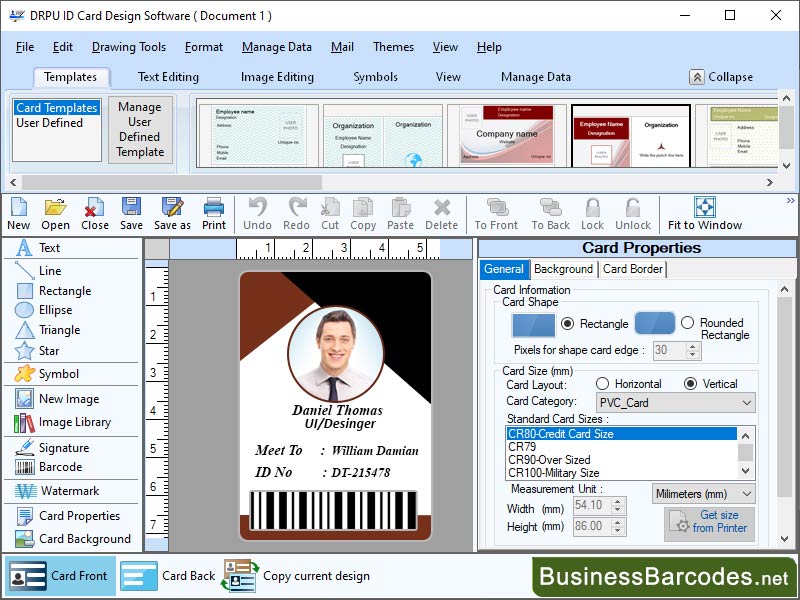
Create and Design Business Card 7.2.8
Business :: Office Suites & Tools
(Click to Enlarge)
What are thoughts for designing interactive card designs?To design interactive elements, it's crucial to understand user behaviour and consider their placement onpage or screen. Hover effects can be used to communicate interactive elements, but overuse can create a distracting experience. Touchscreens require different methods, such as touch or swipe gestures, size of interactive elements should be large enough for easy tapping. Popular interactive elements include hover effects, click events, drag and drop, animations. After designing interactive cards, they should be tested with users using A/B testing and be open to iteration based on user feedback. By continually testing and refining their designs, designers can create interactive cards that are effective, user-friendly.What are the most common mistakes in Card Designing Software?Designers often make mistakes in card design, such as poor colour contrast, inappropriate fonts, poor layout, incorrect image usage, inappropriate use of colour. Low contrast colours can make text difficult to read, while too many or unmatched colours can make card confusing. Additionally, designers may overlook accessibility features, making the card inaccessible to users with disabilities.How can be make sure that card designs are accessible for all users?To create accessible card designs, choose the right software, use high contrast colours for visual impairments, choose an easy-to-read font, test your design, use clear and concise language, provide alternative text for screen readers or visual impairments, use descriptive headings for easy navigation, and avoid using images as text as it can make the content inaccessible to these users. These steps ensure a user-friendly and accessible card design. Language on your card should be clear, concise, and avoid jargon, acronyms, and abbreviations that may be unfamiliar to some users.
Specifications:
Version: 7.2.8 |
Download
|

Similar Products:
Business :: Office Suites & Tools
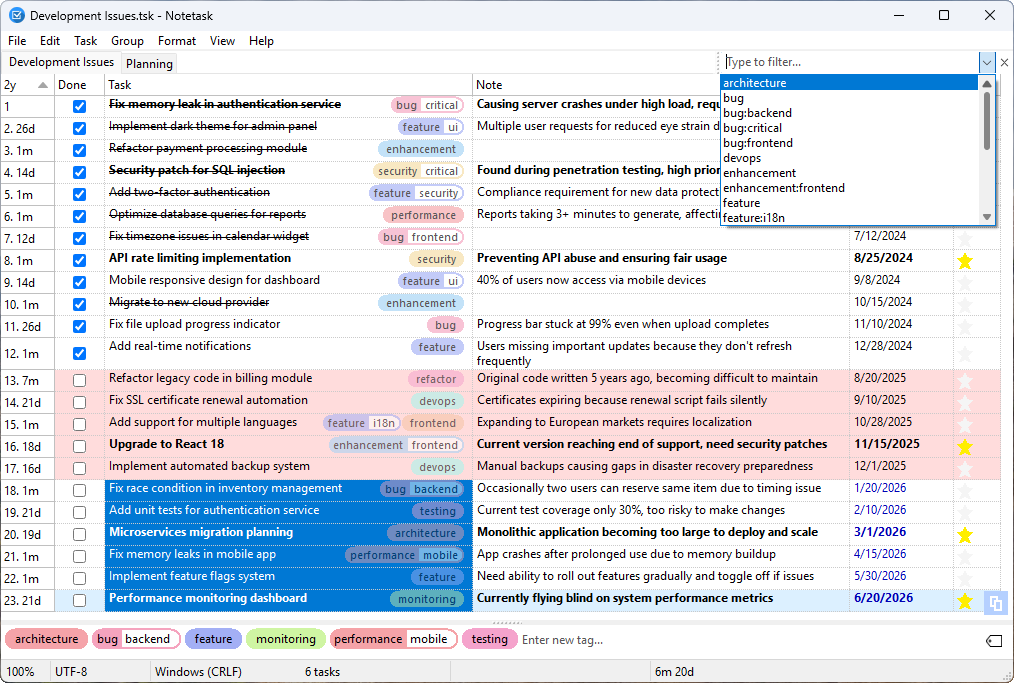 Notetask is a free and open-source cross-platform task manager and note-taking application for Windows and Linux, written in Lazarus (Free Pascal). The core idea of Notetask is simple: it stores tasks and notes in plain text files, where each line represents a separate task or note. Users can also choose to save their files in an encrypted format for personal information, while all data remains local to their device.
Windows Linux | Freeware
Read More
BATCH DOCX TO DOC CONVERTER 2026.18.211
Business :: Office Suites & Tools
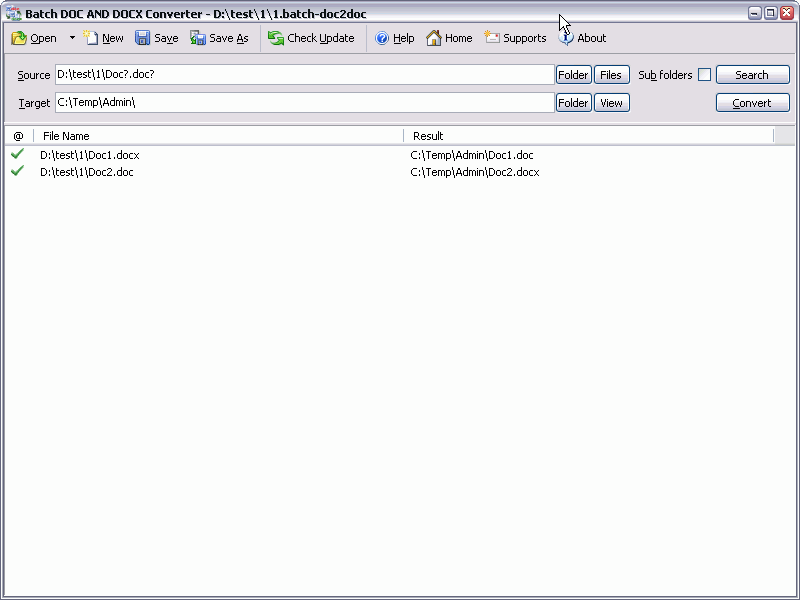 Batch DOC AND DOCX Converter is a Word DOC to DOCX DOCX to DOC Batch Converter that can convert Word DOC to DOCX and DOCX to DOC easily. Batch DOC TO DOCX Converter supports powerful search for a lot of files. A DOC and DOCX converter for Word. Batch DOC AND DOCX Converter supports project and command line. Batch DOC AND DOCX Converter has a friendly GUI so it is used very easily. Batch DOC AND DOCX Converter Drag and Explorer Context supported.
Windows | Shareware
Read More
BATCH XLSX TO XLS CONVERTER 2026.18.211
Business :: Office Suites & Tools
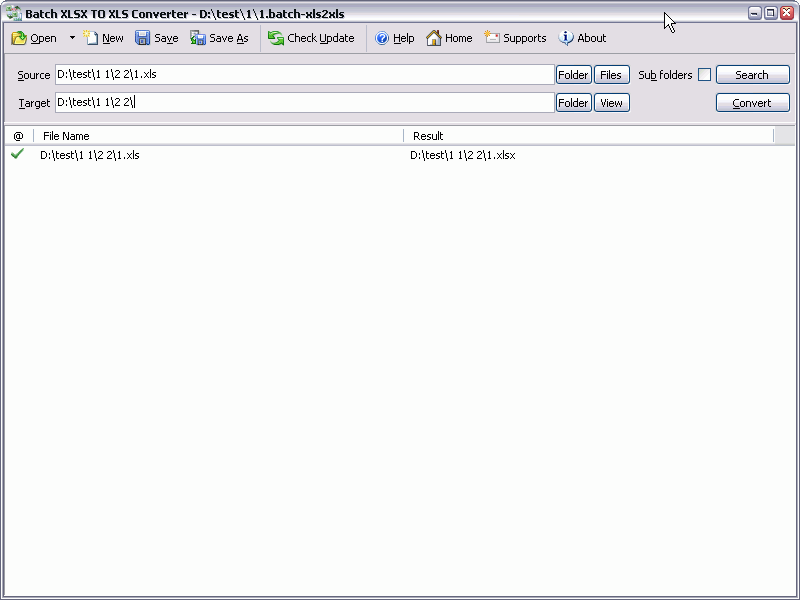 Batch XLS AND XLSX Converter is a Excel XLS to XLSX XLSX to XLS Batch Converter that can convert Excel XLS to XLSX and XLSX to XLS easily. Batch XLS TO XLSX Converter supports powerful search for a lot of files. A XLS and XLSX converter for Excel. Batch XLS AND XLSX Converter supports project and command line. Batch XLS AND XLSX Converter has a friendly GUI so it is used very easily. Batch XLS & XLSX Converter Drag and Explorer Context supported.
Windows | Shareware
Read More
BATCH WORD TO PNG CONVERTER 2026.18.211
Business :: Office Suites & Tools
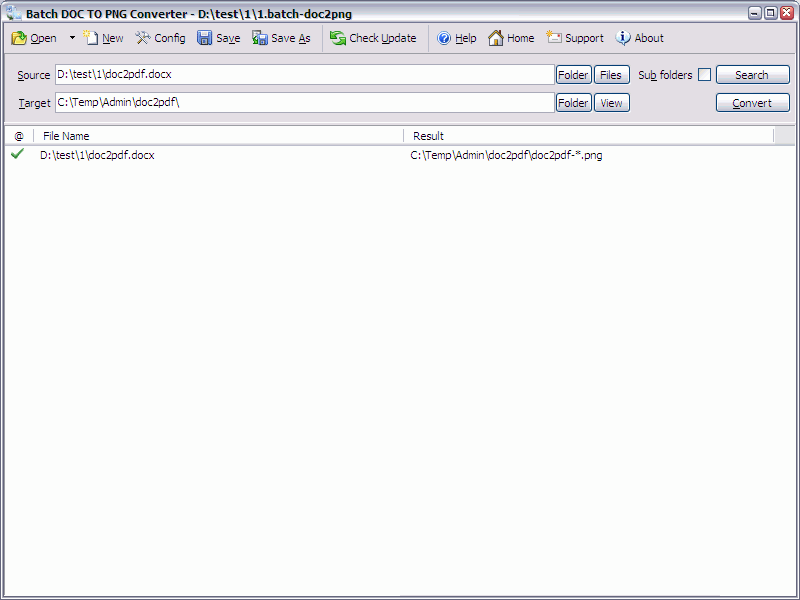 Batch DOC TO PNG Converter is a Word to PNG DOC/DOCX to PNG Batch Converter that can convert Word DOC/DOCX to PNG (Portable Network Graphics) easily. Batch DOC TO PNG Converter supports powerful search for a lot of files. A PNG publisher for Word. Batch DOC TO PNG Converter supports project and command line. Batch DOC TO PNG Converter has a friendly GUI so it is used very easily. Batch DOC TO PNG Converter Drag and Explorer Context supported.
Windows | Shareware
Read More