


N5 Net Software Repository
Your one-stop for all your software needs.
Search N5 Net Software Repository:
Search Files
Sponsor:
Browse:
- Audio & Multimedia (1582)
- Business (1733)
- Communications (469)
- Desktop (135)
- Development (557)
- Education (165)
- Games & Entertainment (706)
- Graphic Apps (681)
- Home & Hobby (105)
- Network & Internet (538)
- Security & Privacy (504)
- Servers (67)
- System Utilities (9263)
- Web Development (281)
Areas Of Interest
Authors Area
Are you a software author? Take a look at our Author Resource Center where you will find marketing tools, software specifically created for promoting your software and a ton of other helpful resources.
PDF Editor Mac 3.6.2
Business :: Office Suites & Tools
(Click to Enlarge)
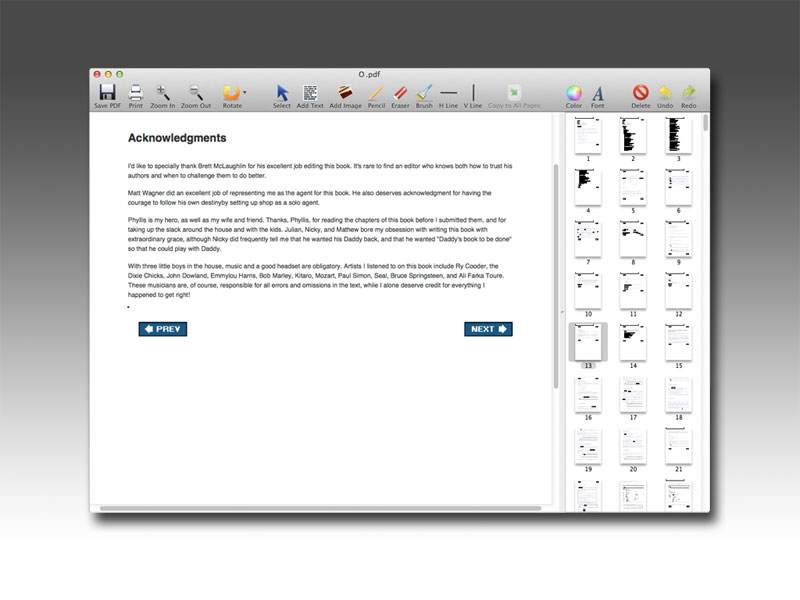
PDF Editor Mac is a free application on Mac OS X that allows users to add text, insert images, put watermarks to label their copyright, changing font size and color, and perform other changes of a PDF document. After adding text and images, you can change the text font and color, resize the image height and width or move them as well. If you need to delete some words or text from the PDF, simply click on the eraser tool then erase. Rotating certain pages and modifying document layout is also important so as multiple drawing tools like lines, brushes, horizontal lines or vertical lines. Better than normal PDF Readers and Annotators, PDF Editor Mac can permanently save the modified PDF content changes. PDF Editor Mac Features Write Text You can add text, and move it to any location on the PDF page. PDF Editor Mac allows you to set the text size, font and color. With the PDF Editor Mac, you can easily fill in the various PDF form files. Delete Content PDF Editor Mac contains an eraser tool, and you can use it to delete any of your unwanted text or graphics. At the same time, you can also change the line thickness to get a larger or smaller eraser. Rotate PDF The application has a function of rotating PDF pages. It can rotate PDF files 90,180 or 270 degrees. And it allows users to select a one-time rotation for all pages, or just rotate the current one. Add Images to PDF You can add images to the PDF and adjust their width and height, or the position of the image. PDF Editor Mac supports most popular image formats such as JPG, PNG, GIF, BMP and TIF and so on, and it can also keep the original image transparent. Draw Lines on PDF To annotate on a PDF file, you may need to draw some lines. You can use Pen, V-Line and H-Line to draw free lines, vertical lines or horizontal lines.
Specifications:
Version: 3.6.2 |
Download
|

Similar Products:
Business :: Office Suites & Tools
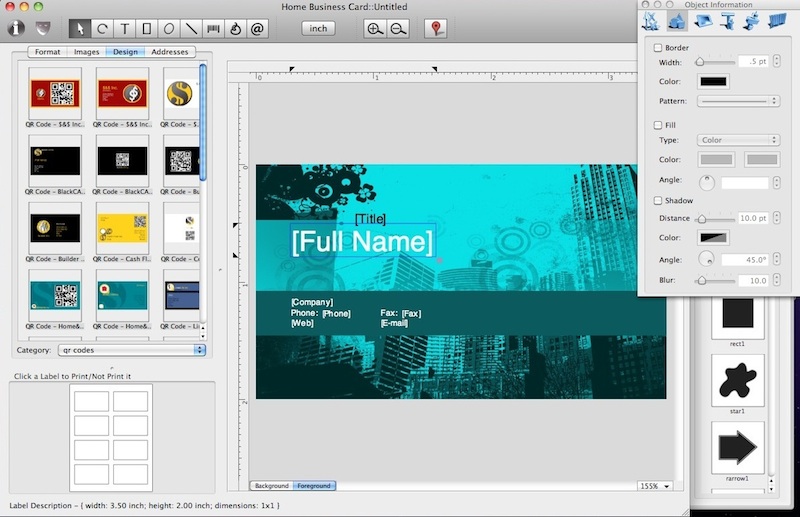 The Home Business Card is a business cards designer that helps you to create business cards using various built-in label formats, clipart images, and pre-made designs provided. Various objects, like text, graphics and images can be easely added to your documents. Numerous image effects, like opacity level and image mask, in combination with other settings allow you to make visually stunning effects.
MAC | Shareware
Read More
FM PDF TO JPG CONVERTER PRO 5.2
Business :: Office Suites & Tools
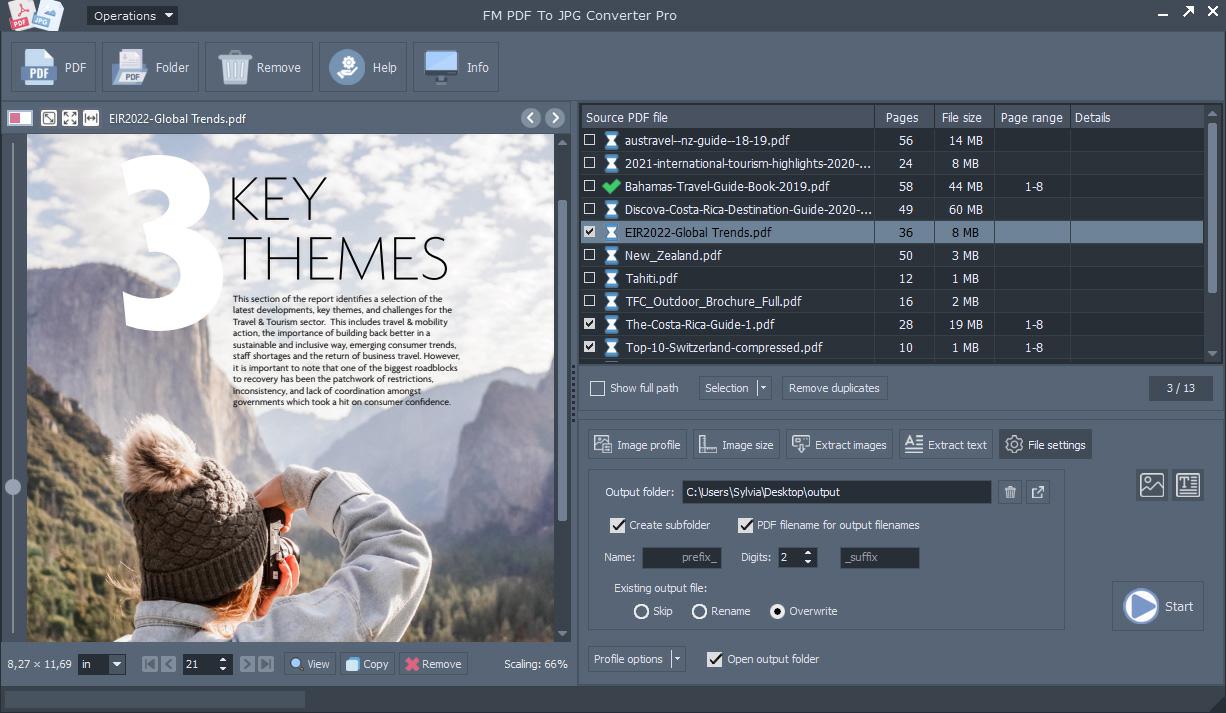 FM PDF To JPG Converter Pro converts PDF files to images in BMP, GIF, JPG, JPEG, PNG, TIFF formats. The FM PDF To JPG Converter Pro is an excellent tool for implementing PDF documents data archives or share these PDFs in image formats. Original document layout is fully preserved on each page. FM PDF To JPG Converter Pro is a standalone, batch conversion utility to convert PDF documents to image files.
Windows MAC Linux | Demo
Read More
Business :: Office Suites & Tools
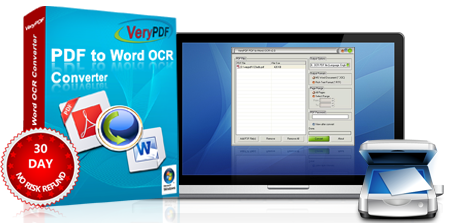 VeryPDF PDF to Word OCR Converter does convert scanned PDF files to editable Word documents. PDF to Word OCR Converter is a professional tool to convert scanned PDF and image to Word via optical character recognition. Scan to Word OCR Converter converts Scanned Image to Word via OCR, Scanned Image to Word. VeryPDF PDF to Word OCR Converter is designed to help users to convert PDF to Word via OCR (Optical Character Recognition).
Windows MAC | Shareware
Read More
PDF TO JPG CONVERTER FOR MAC 2.0
Business :: Office Suites & Tools
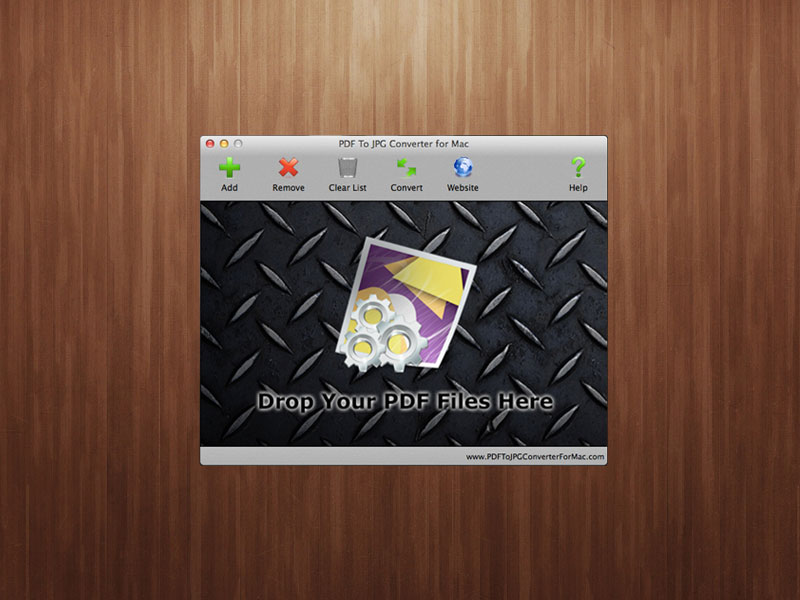 PDF to JPG Converter for Mac is a Mac application that fast converts PDF documents to image files like JPG, PNG, BMP, GIF or TIFF. The program also let users customize the output image DPI (Dots per Inch) to get large high quality images, or small thumbnails. When users want to convert several PDF files in bulk, there is a folder creation function can convert each PDF file to each new folder named as the PDF filename.
MAC | Freeware
Read More