


N5 Net Software Repository
Your one-stop for all your software needs.
Search N5 Net Software Repository:
Search Files
Sponsor:
Browse:
- Audio & Multimedia (1582)
- Business (1741)
- Communications (469)
- Desktop (134)
- Development (571)
- Education (165)
- Games & Entertainment (709)
- Graphic Apps (683)
- Home & Hobby (106)
- Network & Internet (544)
- Security & Privacy (505)
- Servers (67)
- System Utilities (9267)
- Web Development (284)
Areas Of Interest
Authors Area
Are you a software author? Take a look at our Author Resource Center where you will find marketing tools, software specifically created for promoting your software and a ton of other helpful resources.
ToolRocket VidClipper 1.9.0.0
Audio & Multimedia :: Multimedia Creation Tools
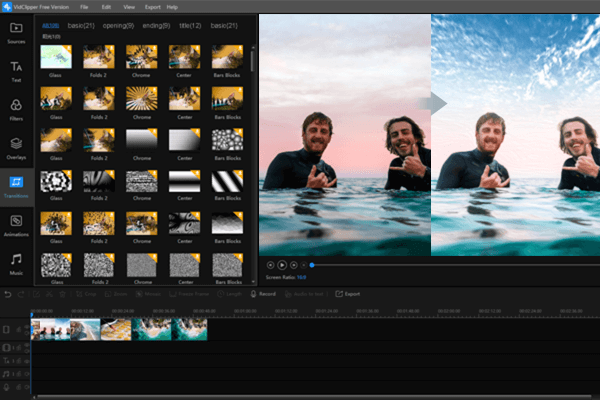
(Click to Enlarge)
ToolRocket VidClipper is an easy-to-use video editor and maker program for Windows laptop or PC. It provides you with multiple powerful video editing functions. With that, you are able to create a video with massive templates and materials simply, such as text, filters, overlays, transitions, animations, music, etc. As long as you import your video and image files, and drag them to the video/audio track, you can make your personalized videos. Features 1. Excellent video editing functions VidClipper is a professional but easy-to-use video editing software for Windows. It enables you to make short videos of video clips, images, and music. At the same time, you can also adjust the video effect. For example, cut/split and merge videos, crop video for a proper video aspect ratio, add mosaic to videos, freeze frame. With the massive text, filter, overlay, transition, animation materials, and audio library you can make an excellent and unforgettable video. In addition, you are also able to split a long video into several short clips and then merge them into a new one. You can crop video size, rotate video, adjust video brightness, contrast, hue, and saturation. 2. An practical video editor for different people This VidClipper video editor is appropriate for different people. If you are a vlogger, VidClipper will be a necessary and efficient assistant. In addition, it is also good for moviemakers, game players, online trainers, etc. As long as you want to make a video or movie, you can choose VidClipper. After you create your video, then export and share it on your Facebook/Twitter/Instagram/Tik Tok account. 3. User-friendly experience The interface of VidClipper is very intuitive. Just for beginners, you can operate it after installation with simple clicks. Considering the clear interface and easy operation it provides the user really user-friendly experience.
Specifications:
Version: 1.9.0.0 |
Download
|

Similar Products:
Audio & Multimedia :: Multimedia Creation Tools
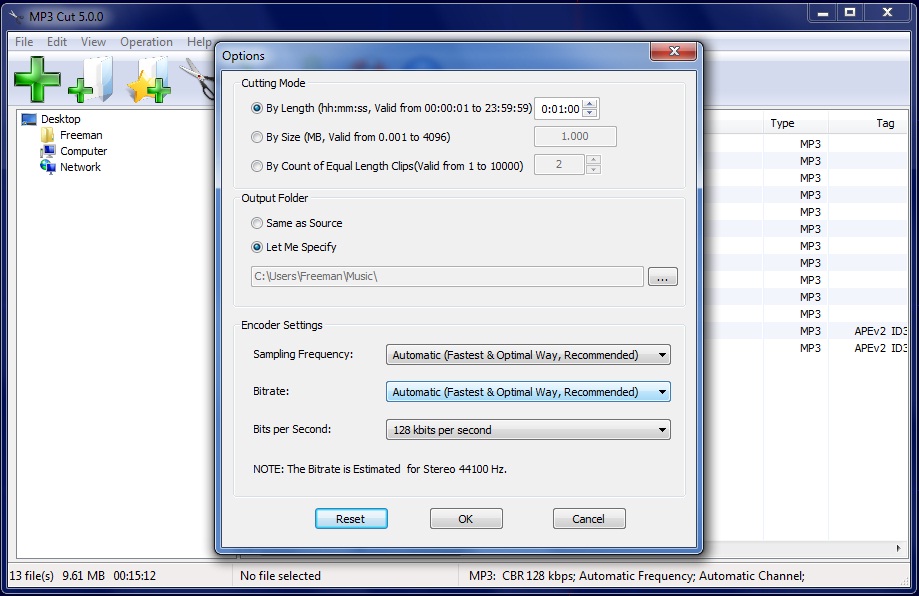 MP3 Cut is an easy and efficient FREE mp3 cutter which cuts MP3 files in various ways.
Windows | Freeware
Read More
Audio & Multimedia :: Multimedia Creation Tools
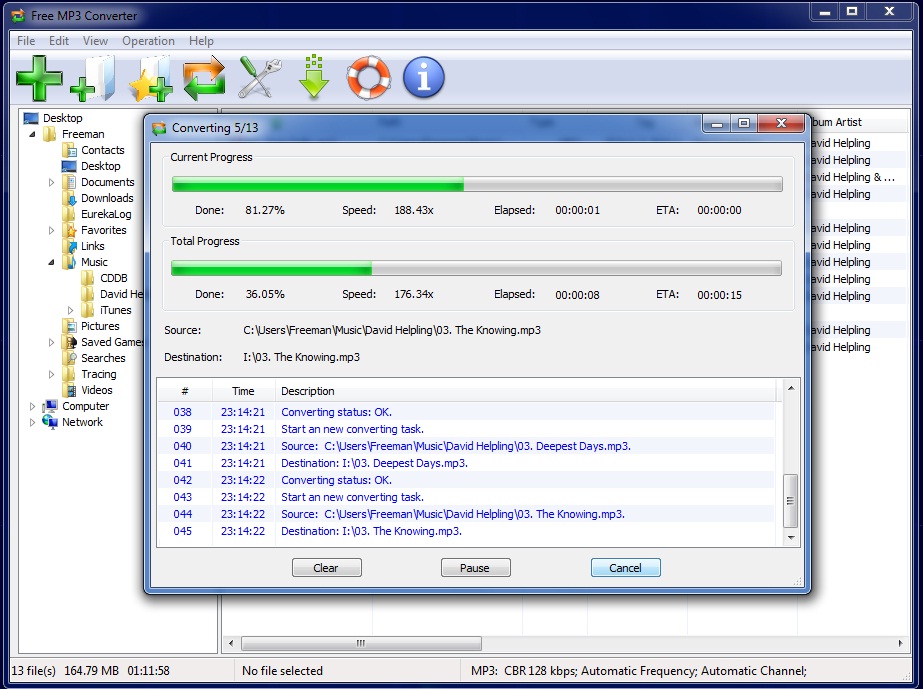 Free MP3 Converter is a fast, straightforward yet FREE MP3 Converter which converts WAV, MP3, WMA and OGG to MP3 format.
Windows | Freeware
Read More
Audio & Multimedia :: Multimedia Creation Tools
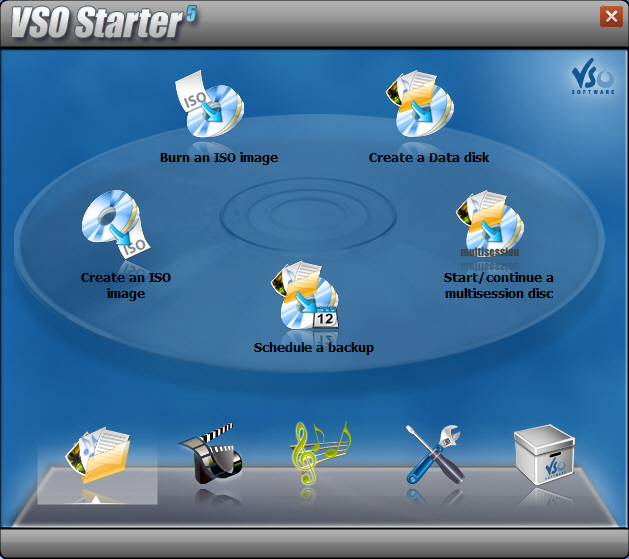 Burn anything you want to disk or as an ISO. Make perfect copies of your disks! CopyTo is a complete burning suite, burn, backup and copy all that you want: files, folders, music, photos, videos with its quality burning engine. Simple to use, add your files and press burn. A smart project analyzer will help you choose which format to burn your files. Burn files with a simply right click, thanks to the shell integration.
Windows | Shareware
Read More
FREE MP3 CUTTER AND EDITOR 2.8.0.3811
Audio & Multimedia :: Multimedia Creation Tools
 This free mp3 cutter and editor is an extremely simple and handy tool for routine mp3 editing tasks.
The program displays a waveform graph that lets you easily select a portion of the mp3 for editing.
You can cut out unwanted part of the audio, change volume by specifying a percentage value, create a fade in or fade out, and convert the audio between stereo and mono.
This free mp3 cutter and editor is an extremely simple and handy tool for routine mp3 editing tasks.
The program displays a waveform graph that lets you easily select a portion of the mp3 for editing.
You can cut out unwanted part of the audio, change volume by specifying a percentage value, create a fade in or fade out, and convert the audio between stereo and mono.
Windows | Freeware
Read More