


N5 Net Software Repository
Your one-stop for all your software needs.
Search N5 Net Software Repository:
Search Files
Sponsor:
Browse:
- Audio & Multimedia (1566)
- Business (1738)
- Communications (472)
- Desktop (180)
- Development (573)
- Education (166)
- Games & Entertainment (709)
- Graphic Apps (679)
- Home & Hobby (105)
- Network & Internet (543)
- Security & Privacy (503)
- Servers (64)
- System Utilities (9409)
- Web Development (284)
Areas Of Interest
Authors Area
Are you a software author? Take a look at our Author Resource Center where you will find marketing tools, software specifically created for promoting your software and a ton of other helpful resources.
SoundTaste Audio Converter 10.0.2
Audio & Multimedia :: Rippers & Converters
(Click to Enlarge)
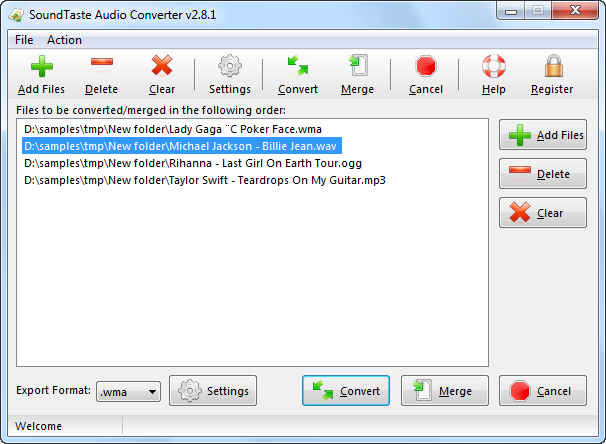
Have many audio files that need to be converted to other usable audio formats? SoundTaste Audio Converter is what you are looking for! This program is a professional, fast and easy-to-use audio conversion utility to help you convert many audio files in batches with high speed and excellent quality. It also enables you to merge multiple audio files together into a bigger one only within just a few clicks. SoundTaste Audio Converter enables you to convert, combine, join or merge multiple audio files to the most popular audio formats MP3/WAV/WMA/OGG to play on your player with no quality loss! You can always find a compatible audio format for your devices. Joining many separate music tracks into a non-stop audio CD is no difficulty. It provides both well-defined presets and specifiable settings for customers. With its profile setting parameters, you can adjust a range of configuration parameters to customize your output quality with ease. You can also set the output mode, bit rate, quality level, etc. to improve the output quality. Both novices & advanced users can get precisely what they want. The multicore CPU support makes the conversion speed much faster than ever. You can save half the time to convert a video file in the same size. Also, batch conversion helps you convert dozens of files without waiting for each conversion to finish. The understandable UI makes everything simple. With tutorial instruction, even beginners can do the conversion without troubles. Also, the advancers can select precise settings with well-defined presets to meet their demands in just few clicks.
Specifications:
Version: 10.0.2 |
Download
|

Similar Products:
DRMARE DRM AUDIO CONVERTER FOR WINDOWS 3.5.0
Audio & Multimedia :: Rippers & Converters
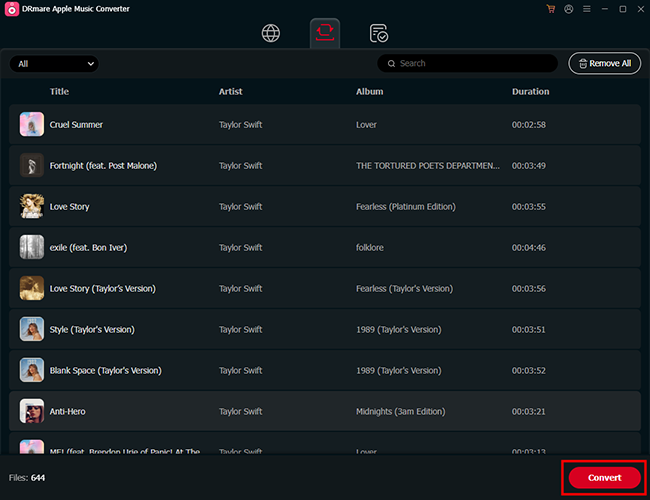 As one of the best streaming audio converter, DRmare Audio Converter is able to losslessly remove DRM lock from all protected audios, including Apple Music, iTunes and Audible audiobooks. Not only that, it can convert both DRM and non-DRM audios to common MP3, AAC, M4A, FLAC, WAV, M4B while preserving original audio quality and ID3 tags for any device and player.
Windows | Shareware
Read More
SWITCH FREE AUDIO AND MP3 CONVERTER 14.03
Audio & Multimedia :: Rippers & Converters
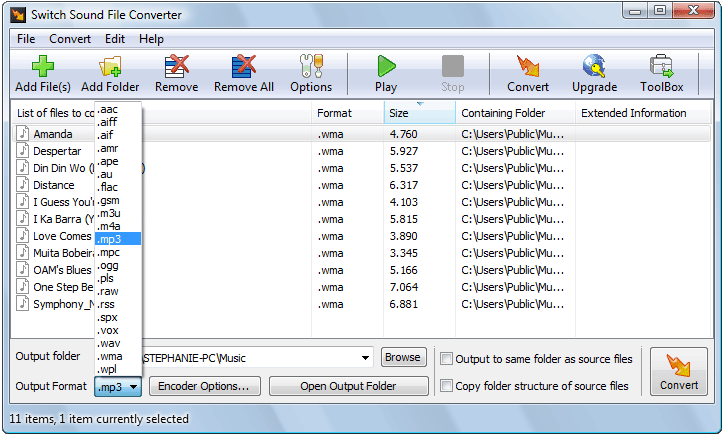 Convert wma to mp3 with Switch audio converter for Windows. It can convert mp3, wav or wma format and more to the format of your choice. Switch Converter is very easy to use. Just add the files you want to convert to the list, select the format you want to use, and then click the convert button. Automatically normalize audio while converting. Access online database to add song information as you convert.
Windows | Freeware
Read More
SWITCH AUDIO AND MP3 CONVERTER FREE 14.03
Audio & Multimedia :: Rippers & Converters
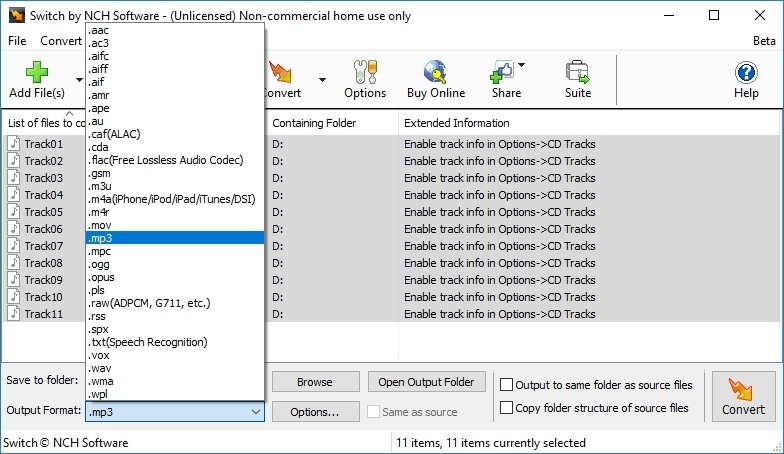 Use Switch audio converter for windows to convert wma to mp3. It can convert mp3, wav or wma format and more to the format of your choice. Switch Converter is very easy to use. Just add the files you want to convert to the list, select the format you want to use, and then click the convert button. Automatically normalize audio while converting. Access online database to add song information as you convert.
Windows | Freeware
Read More
FREE AVS AUDIO CONVERTER 26.0.2.17
Audio & Multimedia :: Rippers & Converters
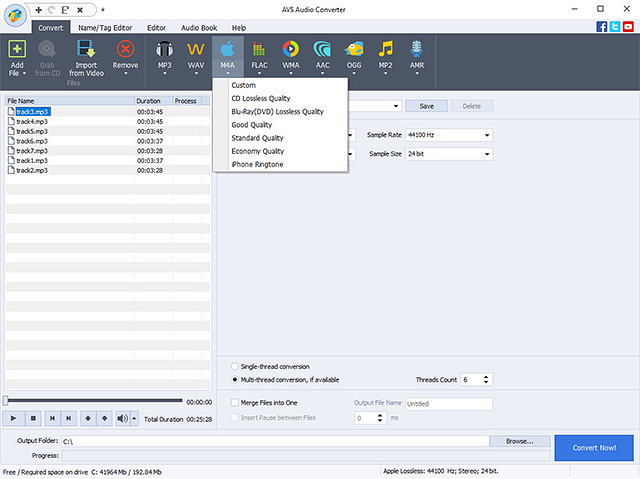 Manage your music files efficiently with Free AVS Audio Converter. Convert MP3, WAV, WMA, AMR, AAC, M4A, FLAC, OGG, MP2 and other popular audio formats for free. Automate routine work using ready conversion templates. Trim, delete parts, merge files, apply effects. Use batch conversion mode to convert a large number of audio files at once. Export audio from video files. Create individual ringtones for your iPhone and make simple audiobooks.
Windows | Freeware
Read More