


N5 Net Software Repository
Your one-stop for all your software needs.
Search N5 Net Software Repository:
Search Files
Sponsor:
Browse:
- Audio & Multimedia (1582)
- Business (1741)
- Communications (469)
- Desktop (134)
- Development (571)
- Education (165)
- Games & Entertainment (709)
- Graphic Apps (683)
- Home & Hobby (106)
- Network & Internet (544)
- Security & Privacy (505)
- Servers (67)
- System Utilities (9267)
- Web Development (284)
Areas Of Interest
Authors Area
Are you a software author? Take a look at our Author Resource Center where you will find marketing tools, software specifically created for promoting your software and a ton of other helpful resources.
All To MP3 Converter 3.3
Audio & Multimedia :: Audio Encoders/Decoders
(Click to Enlarge)
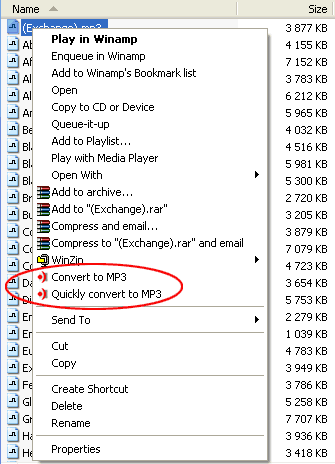
You need to convert your digital audio files to MP3 format, but you have tired to start audio conversion utility every time? Try to use our All To MP3 Converter - it gives you ability to start conversion directly from your Windows Explorer. All you need to do is simply select audio files, click on them with alternate mouse button and start "Convert to MP3" command from Explorer's context menu. All To MP3 Converter supports WMA, OGG, WAV, MP4, VQF, RA, RM, M4A, M4B, MP4, AC3, AAC, CDA and much more source formats, ID3v2 Tag (copying from source or creation of a new one). All conversions are performed without temporary WAV files, it means that all files are processed quickly and no additional hard drive space is required. Thus you can quickly and easily convert with this tool every audio file you have just found in folders on your computer or have downloaded from Internet into MP3 format with all possible settings.
Specifications:
Version: 3.3 |
Download
|

Similar Products:
SWITCH FREE AUDIO AND MP3 CONVERTER 14.03
Audio & Multimedia :: Rippers & Converters
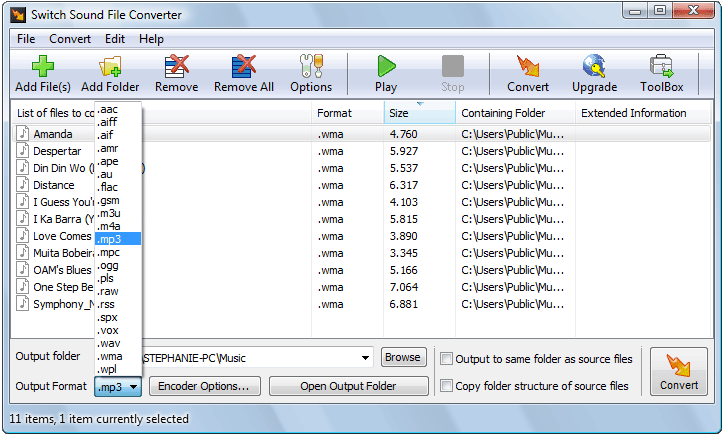 Convert wma to mp3 with Switch audio converter for Windows. It can convert mp3, wav or wma format and more to the format of your choice. Switch Converter is very easy to use. Just add the files you want to convert to the list, select the format you want to use, then click the convert button. Automatically normalize audio while converting. Add effects e.g. noise reduction, equalization. Access online database to add song. Convert audio to text.
Windows | Freeware
Read More
SWITCH AUDIO AND MP3 CONVERTER FREE 14.03
Audio & Multimedia :: Rippers & Converters
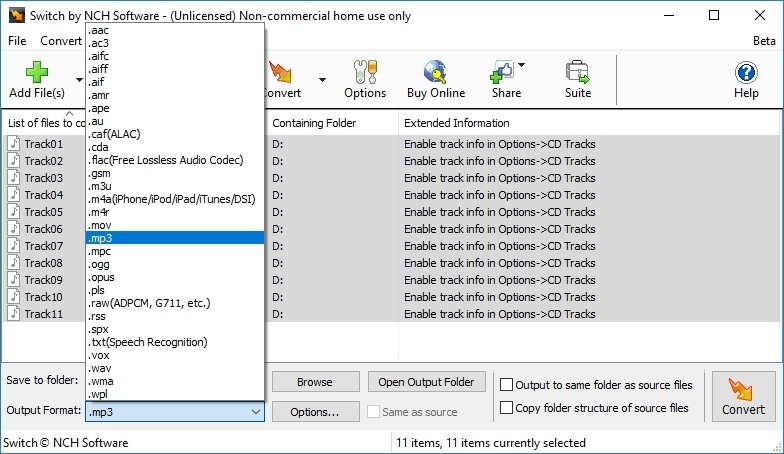 Use Switch audio converter for windows to convert wma to mp3. It can convert mp3, wav or wma format and more to the format of your choice. Switch Converter is very easy to use. Just add the files you want to convert to the list, select the format you want to use, and then click the convert button. Automatically normalize audio while converting. Access online database to add song information as you convert.
Windows | Freeware
Read More
FREE WMA TO MP3 CONVERTER 7.6.2
Audio & Multimedia :: Other
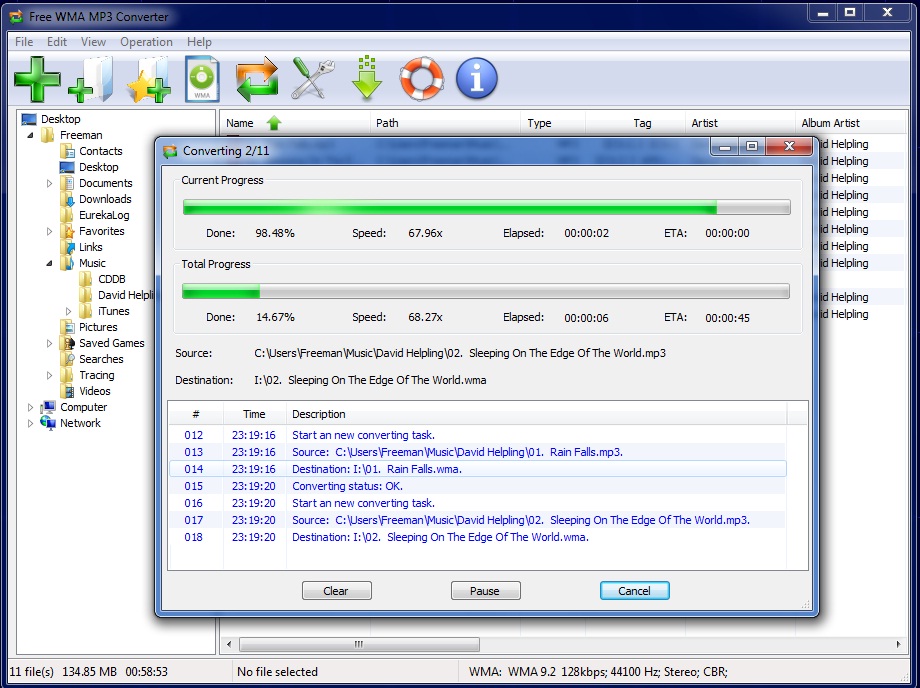 Free WMA to MP3 Converter is a fast, straightforward yet FREE WMA to MP3 Converter to convert WMA to MP3, and MP3 to WMA converter to convert MP3 to WMA.
Windows | Freeware
Read More
XILISOFT WMA MP3 CONVERTER 6.3.0.0805
Audio & Multimedia :: Audio Encoders/Decoders
 Xilisoft WMA MP3 Converter is an exclusive MP3 and WMA encoder with easy-to-use interface and excellent output quality. It supports WAV, MP3, WMA, OGG, AAC, FLAC, APE, VQF etc. as the input formats and converts them to popular audio formats MP3 and WMA, and also can extract audio tracks from AVI, WMV, MPEG, ASF and save them as audio formats MP3, WMA and MP2. The software supports batch conversion and preserves ID3 tag during conversion etc.
Windows | Shareware
Read More