


N5 Net Software Repository
Your one-stop for all your software needs.
Search N5 Net Software Repository:
Search Files
Sponsor:
Browse:
- Audio & Multimedia (1582)
- Business (1741)
- Communications (469)
- Desktop (134)
- Development (571)
- Education (165)
- Games & Entertainment (709)
- Graphic Apps (683)
- Home & Hobby (106)
- Network & Internet (544)
- Security & Privacy (505)
- Servers (67)
- System Utilities (9267)
- Web Development (284)
Areas Of Interest
Authors Area
Are you a software author? Take a look at our Author Resource Center where you will find marketing tools, software specifically created for promoting your software and a ton of other helpful resources.
Power Sound Editor Free 8.2.2
Audio & Multimedia :: Multimedia Creation Tools
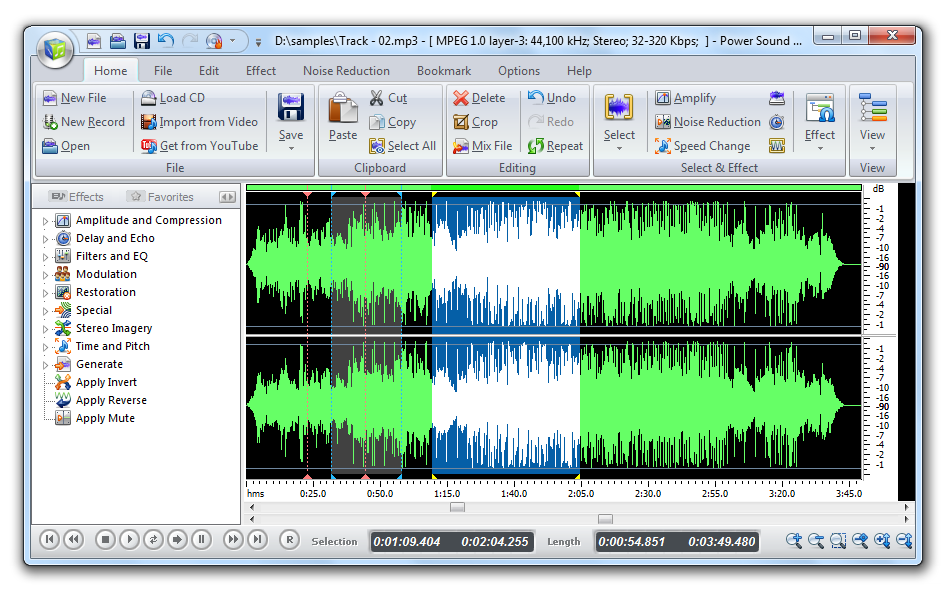
(Click to Enlarge)
Power Sound Editor Free is a visual audio editing and recording software solution, which supports many advanced and powerful operations with audio data. Now, 100% free! It helps you transfer tapes, LPs, live performances, Internet radio, TV, DVD, or any other sound source to your hard drive. The software helps protect your valuable recordings - just set the sound source, the recording quality, and volume, then start recording. You can create and edit audio files professionally, by having ability to apply dozens of amazing effects to audio files. Power Sound Editor Free helps you record new audio file from a microphone, sound card or other input devices (you can record audio from DVD / VCD / CD Player, MP3 Player, RealPlayer, Windows Media Player, Web Page, Internet Conversation, Internet News, Internet Radio Station and more). This Free Sound Editor allows you to visually edit an audio file (Delete, Cut, Copy, Paste, Paste From File, Mix, Mix From File) and apply different effects (Amplify, Delay, Equalizer, Fade, Flanger, Invert, Normalize, Reverse, MultiTapDelay, Silence, Stretch, Vibrato, Echo, Chorus). Advanced Audio CD rip/burner features support the ability to rip audio CDs to MP3, WMA, WAV, and OGG files or burn audio CDs from MP3, WMA, WAV, and OGG files. Power Sound Editor Free supports a wide range of audio formats, such as MPEG (MP3, MP2), WAV, Windows Media Audio, Ogg Vorbis, Audio Tracks and Dialogic VOX. Easy to use interface will get you started editing in just minutes!
Specifications:
Version: 8.2.2 |
Download
|

Similar Products:
Audio & Multimedia :: Multimedia Creation Tools
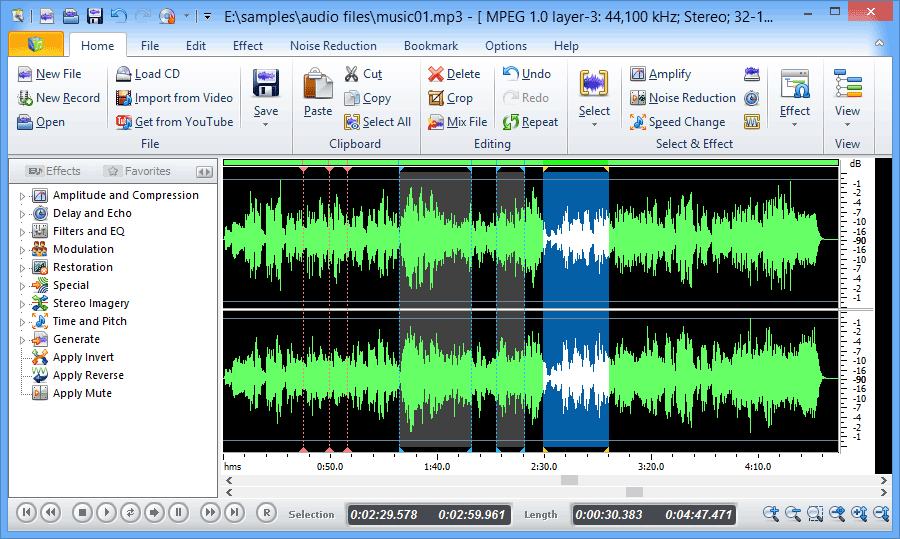 Free Audio Editor is a multi-award winning mp3 editing software tool. The Free Audio Editor software includes a powerful audio editor feature that can edit MP3 as well as WMA, WAV, and OGG files with ease! And more, it is free!
Windows | Freeware
Read More