


N5 Net Software Repository
Your one-stop for all your software needs.
Search N5 Net Software Repository:
Search Files
Sponsor:
Browse:
- Audio & Multimedia (1582)
- Business (1741)
- Communications (468)
- Desktop (134)
- Development (571)
- Education (165)
- Games & Entertainment (709)
- Graphic Apps (683)
- Home & Hobby (106)
- Network & Internet (544)
- Security & Privacy (505)
- Servers (67)
- System Utilities (9267)
- Web Development (284)
Areas Of Interest
Authors Area
Are you a software author? Take a look at our Author Resource Center where you will find marketing tools, software specifically created for promoting your software and a ton of other helpful resources.
Process Lasso 17.1.0.50
System Utilities :: Automation Tools
(Click to Enlarge)
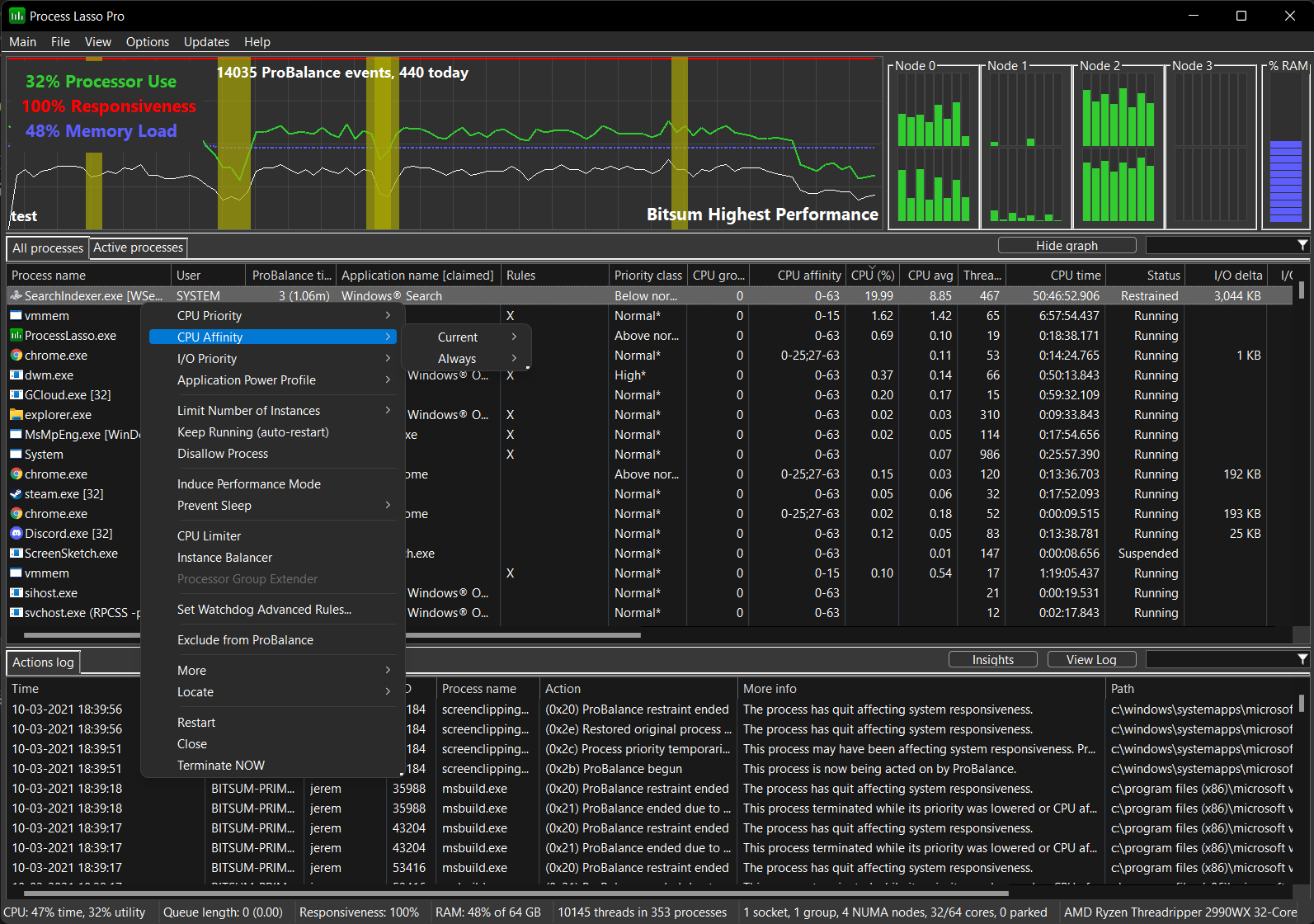
Process Lasso is NOT yet another task manager. It is a process priority optimization and system automation utility. Priority optimization, affinity optimization, core optimization, automated rules, automated power schemes, you name it and Process Lasso has it. Process Lasso's most popular feature is the unique process optimization technology called ProBalance (Process Balance) that will improve your PC's responsiveness and stability through process priority optimization and/or CPU affinity adjustments. Windows, by design, allows programs to monopolize your CPU without sufficient restraint -- leading to hangs, micro-lags, and delays in your keystroke or mouse actions. ProBalance intelligently adjusts the priorities and/or CPU affinities of running programs, on-demand, as-needed so that badly behaved processes won't negatively impact the responsiveness of your PC. ProBalance works by LOWERING the priority of select background processes in high loads, NOT raising priorities. Don't just take our word on ProBalance, try the graphical demo at our web site - a simple 'CPU Eater' running at normal priority, something any programmer can easily recreate in any language. The difference with or without ProBalance is amazing. In addition to ProBalance, there are countless features allowing the user to take full automated control of the processes on their PC. You can have a wide range operations performed, or settings applied, each time a process is run. Core optimization technologies allow you to choose on what CPUs/cores a process should run, as well as what their CPU priority class and I/O priority class should be. You can also disallow certain processes from running, log all processes run, and even set various other process rules. These rules, amongst many others, include automatically restarting or terminating a process after it reaches some CPU or memory threshold.
Specifications:
Version: 17.1.0.50 |
Download
|

Similar Products:
System Utilities :: Automation Tools
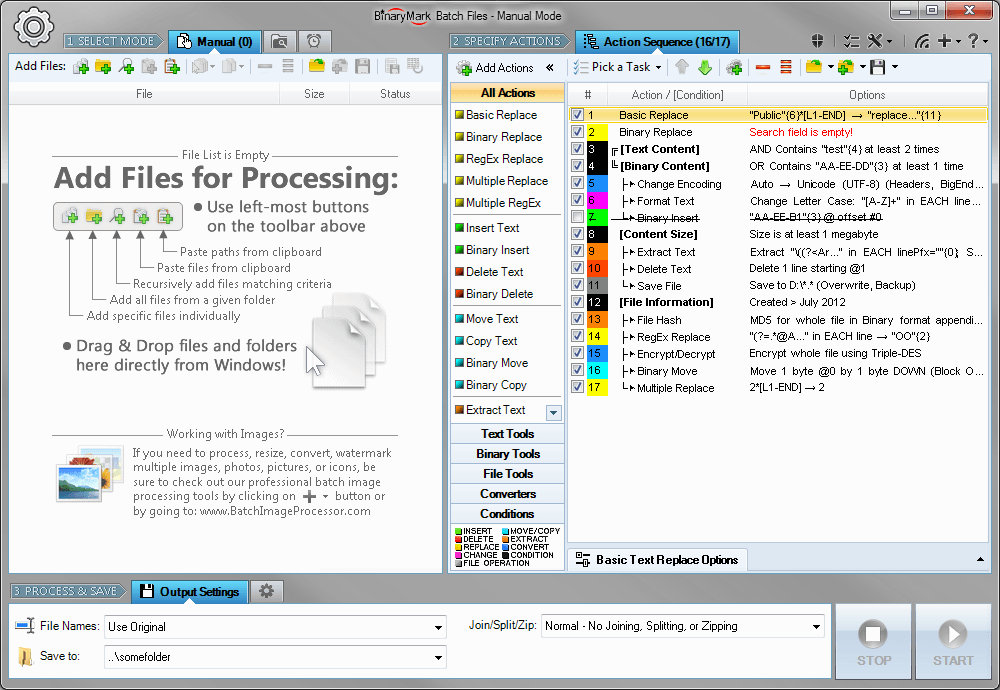 Replace, insert, delete, copy, move, format, extract, convert, encode, encrypt text and bytes in multiple files. Process 1000s files using multiple CPU cores in manual, automatic/continuous, triggered/scheduled, or console modes, or directly from Windows Explorer right-click menu. Save files with original or new name defined by a mask. Select files for processing based on their name, dates, size, and contents using advanced file search.
Windows | Shareware
Read More
Graphic Apps :: Other
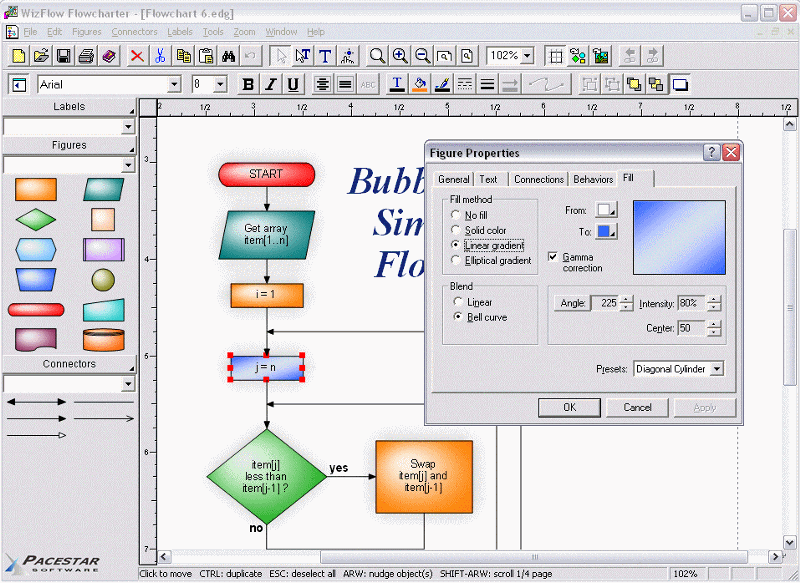 A tool for creating flowcharts and similar diagrams. It allows you to work with a single object or a group of objects, drawing boxes or symbols of many shapes and connecting them with lines of various types. Extensive features such as full zoom, OLE connectivity for inserting charts in other documents, poster printing, graphics import and export, automatic routing, curves, flow symbols, and much more.
Windows | Shareware
Read More
System Utilities :: Benchmarking
 PerformanceTest enables anyone to objectively benchmark their computer by putting it through twenty-eight tests in six test suites, designed to cover all aspects of computing performance. Compare your PC's performance with built-in baselines, or download comparison data from a huge database of baselines from PassMark. Export results to a variety of formats. Customize tests to conduct in-depth performance analysis.
Windows | Shareware
Read More