


N5 Net Software Repository
Your one-stop for all your software needs.
Search N5 Net Software Repository:
Search Files
Sponsor:
Browse:
- Audio & Multimedia (1582)
- Business (1733)
- Communications (469)
- Desktop (135)
- Development (557)
- Education (165)
- Games & Entertainment (706)
- Graphic Apps (681)
- Home & Hobby (105)
- Network & Internet (538)
- Security & Privacy (504)
- Servers (67)
- System Utilities (9263)
- Web Development (281)
Areas Of Interest
Authors Area
Are you a software author? Take a look at our Author Resource Center where you will find marketing tools, software specifically created for promoting your software and a ton of other helpful resources.
MacSonik PDF Converter 22.10
System Utilities :: File & Disk Management
(Click to Enlarge)
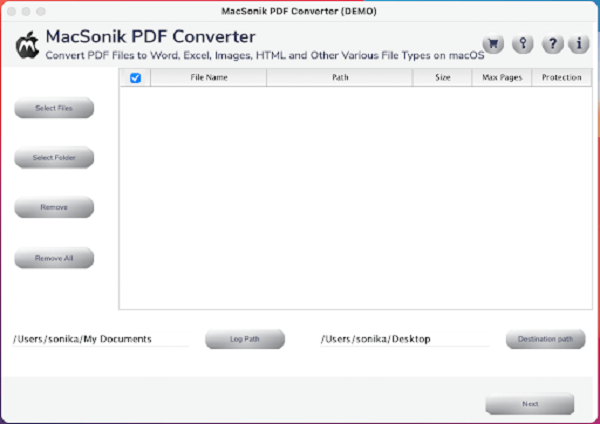
MacSonik PDF Converter Tool is one of the top-notch software to convert PDF files into different file formats like EML, RTF, JPEG, PNG, GIF, DOC, TXT, XLSX, XLS, EPUB, SVG, PPT, PPTX, etc. It smoothly converts and saves the PDF document in the resultant format on a mac hard drive. Users can risk-free convert single as well as bulk PDF files in one go without any data alteration. This PDF Converter for mac allows users to convert their PDF files into multiple file types like Images, Words, SpreadSheet, Webpages, etc. Users are allowed to set the pixel, resolution, and image quality while converting into any image format. It provides an option to save the attachments of PDF files in a separate folder. This Mac utility also allows users to convert PDF files without attachments. Users can convert encrypted or password-protected PDF files without any hassle. They can set the custom folder name and the location of the resultant file if they are willing to do so. Users can also preview the PDF file data before proceeding with the conversion process. The PDF Converter for Mac maintains the original folder hierarchy and high data security throughout the conversion process. It has a simple and intuitive GUI that makes PDF file conversion more convenient without causing any kind of hindrance. This software can convert bulk PDF files for Mac which can save a lot of time for the users. MacSonik PDF Converter is available in a free/demo version to evaluate the conversion performance. The Demo version of the software operates similarly to the full version but has some restrictions. It will convert your PDF files along with the watermark. This software is widely compatible and runs on all kinds of new and old versions of Mac OS. It supports macOS 12 Monterey, macOS 11 Big Sur, macOS 10.15 Catalina, macOS 10.14 Mojave, macOS 10.13 High Sierra, and the below versions.
Specifications:
Version: 22.10 |
Download
|

Similar Products:
CISDEM PDF CONVERTER OCR FOR MAC 9.4.0
::
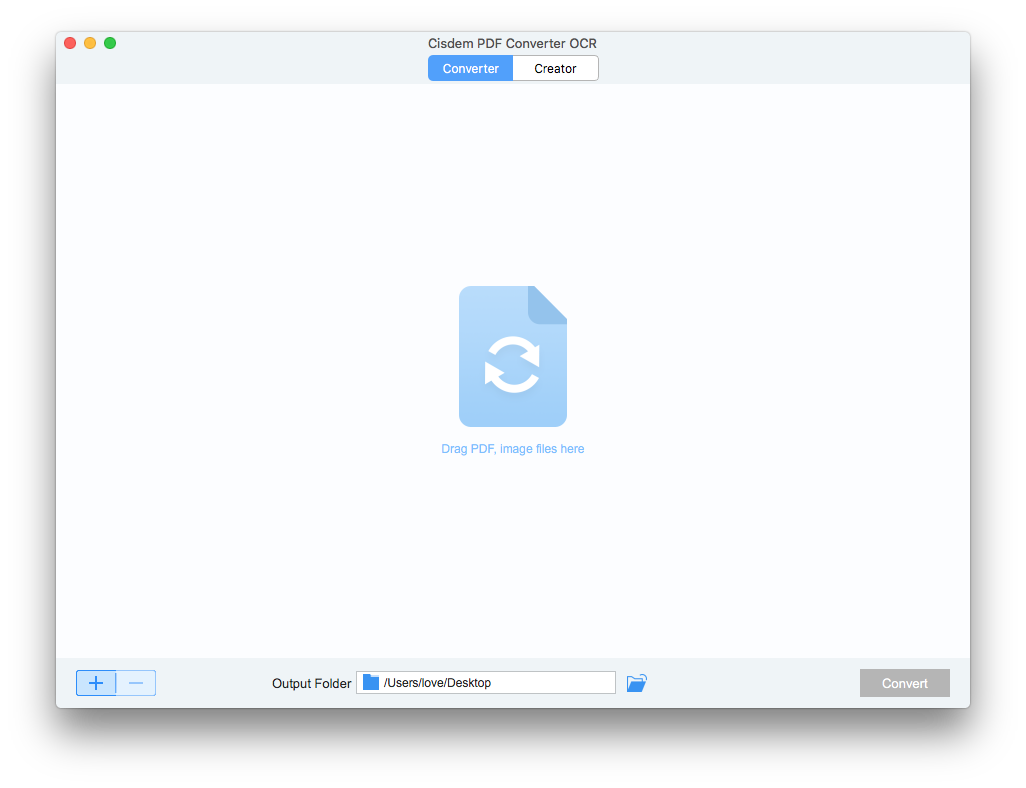 Simple, accurate, and reliable PDF converter and creator that helps you convert PDF documents to DOCX, XLSX, PPTX, HTML, TXT, RTF, CSV, Pages, Keynote, Numbers or images without losing fonts and formatting. Benefit from batch or selective page range conversion.
Additionally, scanned and image-based PDFs can be converted into editable documents with OCR technology, makes the document more accessible, editable, and shareable.
Simple, accurate, and reliable PDF converter and creator that helps you convert PDF documents to DOCX, XLSX, PPTX, HTML, TXT, RTF, CSV, Pages, Keynote, Numbers or images without losing fonts and formatting. Benefit from batch or selective page range conversion.
Additionally, scanned and image-based PDFs can be converted into editable documents with OCR technology, makes the document more accessible, editable, and shareable.
MAC | Shareware
Read More
CISDEM PDFMASTER FOR MAC 7.0.0
::
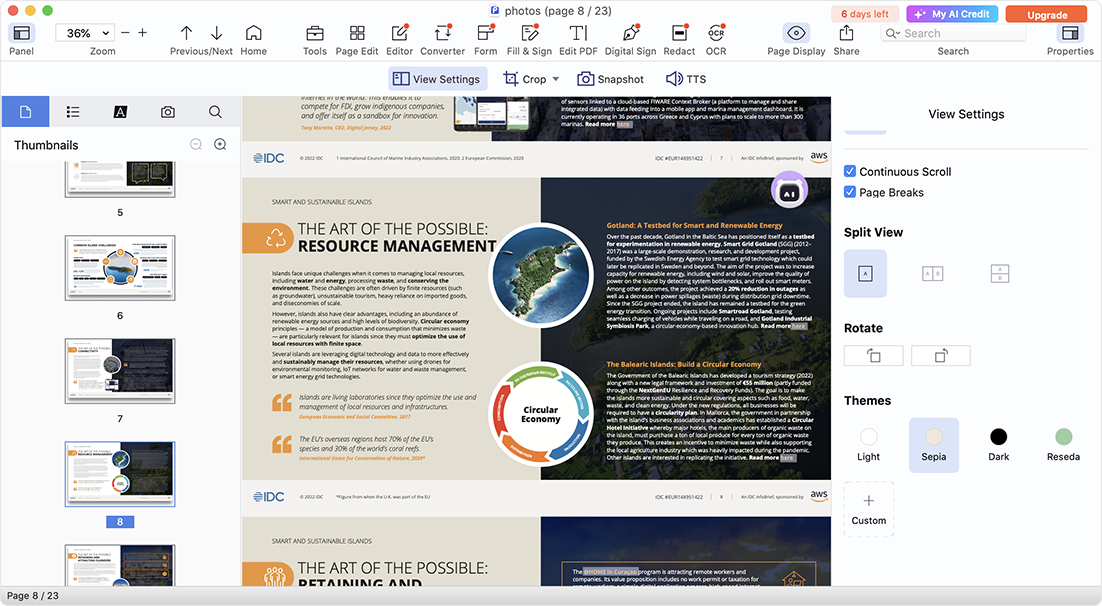 Cisdem PDFMaster offers a complete PDF solution to work with PDF files productively: edit PDF texts, images and links; convert native PDFs as Word, PowerPoint, Excel, Image, etc.; turn scanned files into searchable PDF with OCR; save image, web page and others as PDF; comment and annotate PDF; fill out and create PDF forms; protect PDF; organize PDF pages and other features in one toolset.
MAC | Shareware
Read More
Graphic Apps :: Converters & Optimizers
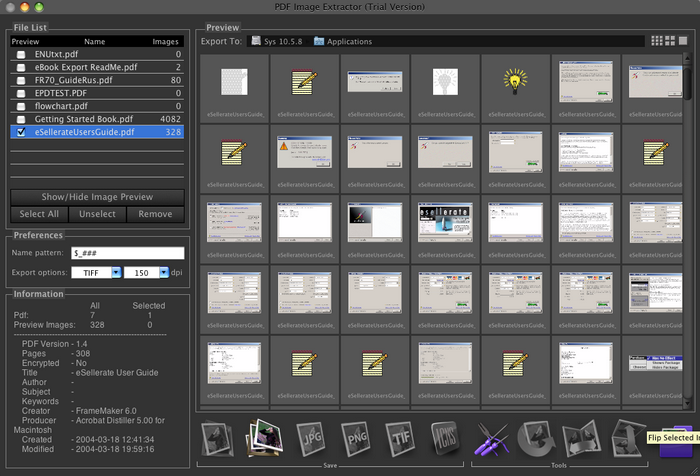 PDF Image Extractor can be used for extraction of the raster images from PDF files, and saving them to a disk, or converting them to numerous graphic formats including EPS, JPG, GIF, TIFF, PICT, PNG, BMP, and HEIC.
MAC | Shareware
Read More
Graphic Apps :: Converters & Optimizers
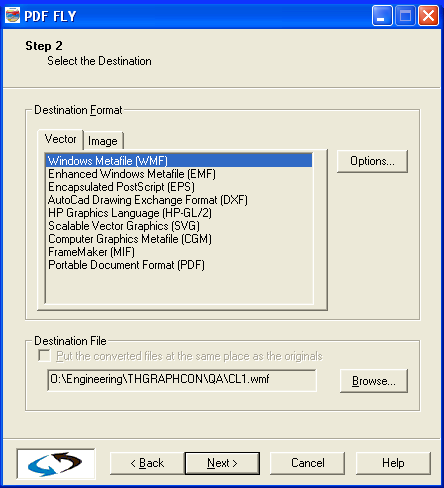 PDF FLY is the choice of technical writers and engineers for repurposing PostScript®, EPS and PDF files. It generates high-quality vector and raster image file formats and can also strip formatted text from the input files. Use it to move drawings, charts, forms, reports and more into your viewing, authoring and publishing systems without loss of quality. Multiple files and directories can be converted in batch mode as easily as a single file.
Windows MAC Linux | Shareware
Read More