


N5 Net Software Repository
Your one-stop for all your software needs.
Search N5 Net Software Repository:
Search Files
Sponsor:
Browse:
- Audio & Multimedia (1582)
- Business (1741)
- Communications (469)
- Desktop (134)
- Development (571)
- Education (165)
- Games & Entertainment (709)
- Graphic Apps (683)
- Home & Hobby (106)
- Network & Internet (544)
- Security & Privacy (505)
- Servers (67)
- System Utilities (9267)
- Web Development (284)
Areas Of Interest
Authors Area
Are you a software author? Take a look at our Author Resource Center where you will find marketing tools, software specifically created for promoting your software and a ton of other helpful resources.
AnyMP4 MXF Converter 8.0.16
Audio & Multimedia :: Rippers & Converters
(Click to Enlarge)
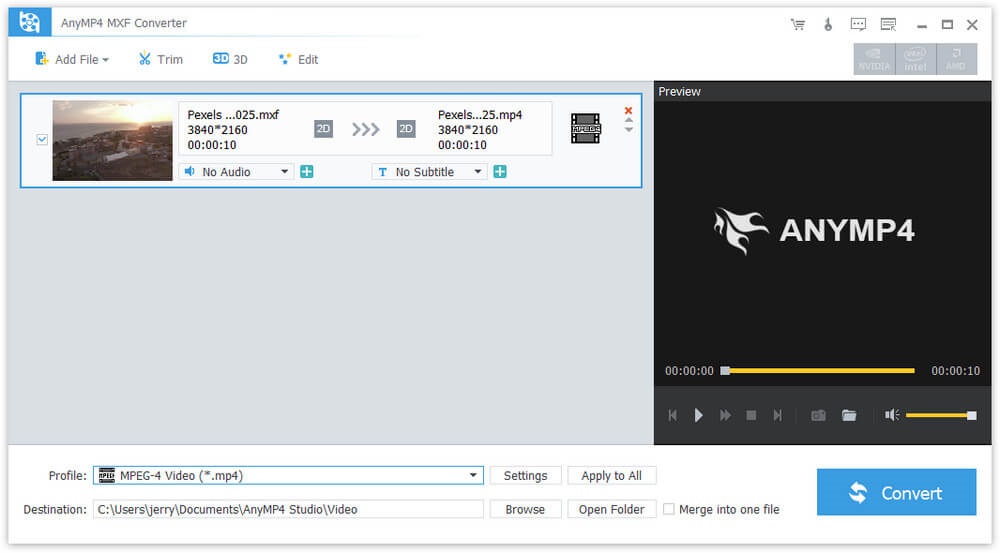
AnyMP4 MXF Converter can help you convert MXF to any video formats like MP4, AVI, WMV, MKV, MOV, M4V, TS, 4K UHD and so on. Besides, you can also convert MXF to 3D videos and HD videos. Meanwhile, this software has multiple editing functions. With this software, you can play your videos on many mainstream portable devices including iPhone 12/11 Pro Max/11 Pro/11/XR/XS/XS Max/X/8, iPad Mini 5, Galaxy series, Google Nexus 7, Kindle Fire, HTC One X, and Windows phone, etc. Key Functions: 1. Convert MXF to any video formats. AnyMP4 MXF Video Converter can convert MXF to various video formats like MP4, WMV, AVI, MOV, M4V, MKV, RMVB, MPEG, etc. Besides, it can also convert MXF to 3D video with high image quality. In addition, it can convert your MXF into HD videos such as HD H.264 TS Video, HD AVI video. At the same time, it supports 4K UHD formats now. Therefore, you can play and enjoy the videos on many digital devices including iPhone 12/11 Pro Max/11 Pro/11/XR/XS/XS Max/X/8, iPad mini 5, Galaxy series, HTC One X and Windows phone, etc. 2. Personalize the output video. With AnyMP4 MXF Converter software, you can clip the video to your needed length, crop the video frame, add any text/image watermark, adjust the video effect by setting the brightness, contrast, saturation, hue and volume. 3. Merge videos and rename the file. AnyMP4 MXF Converter has merging and renaming function. With the merging function, you can merge two or more MXF videos into one video. Therefore, you can enjoy your videos continuously. Besides, you can rename your videos with your own unique name and find them easily.
Specifications:
Version: 8.0.16 |
Download
|

Similar Products:
AISEESOFT VIDEO CONVERTER ULTIMATE 11.0.16
Audio & Multimedia :: Rippers & Converters
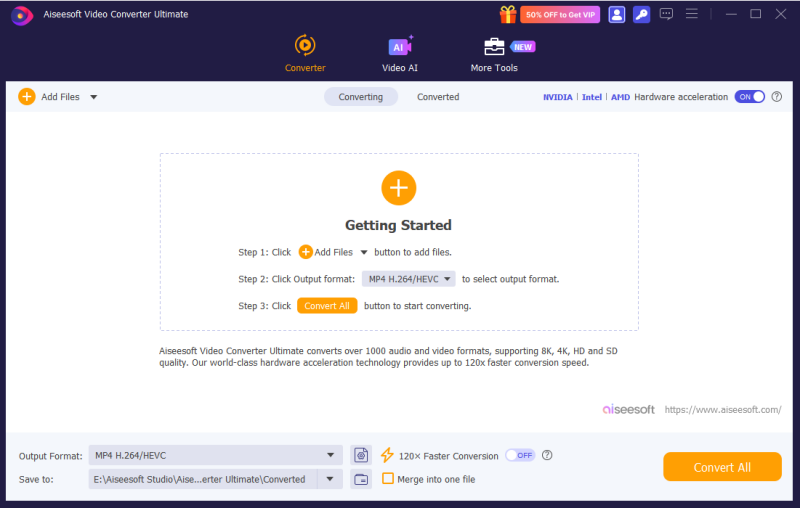 Aiseesoft Video Converter Ultimate supports the conversion of videos (8K/5K/4K/HD videos included). The built-in powerful editing functions enable you to crop, clip, set 3D mode, rotate video, adjust video effects with various stunning filters, etc.
Windows | Shareware
Read More
FREE HD VIDEO CONVERTER FACTORY 28.7
Audio & Multimedia :: Rippers & Converters
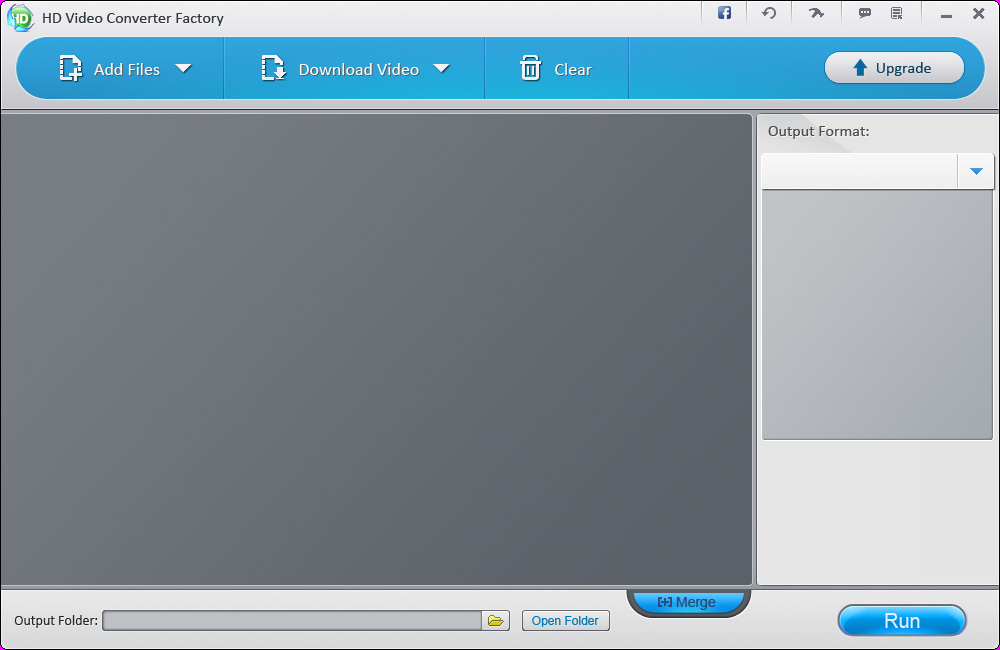 Free HD Video Converter Factory is a powerful but easy-to-use HD video conversion software. It owns the ability of converting videos to a broad range of popular formats and devices like 4K, H265, VP9, AVI, MPG, MP4, WMV, MKV, MOV, M4V, iPhone 6, iPhone 6 Plus, iPad Air 2, iPad mini 3, Samsung Galaxy Note 4 and more. New pop devices are keeping added. This free HD video converter supports Multi-CPU and Hyper Threading, and offers up to 30x real ti
Windows | Freeware
Read More
HD VIDEO CONVERTER FACTORY PRO 28.7
Audio & Multimedia :: Rippers & Converters
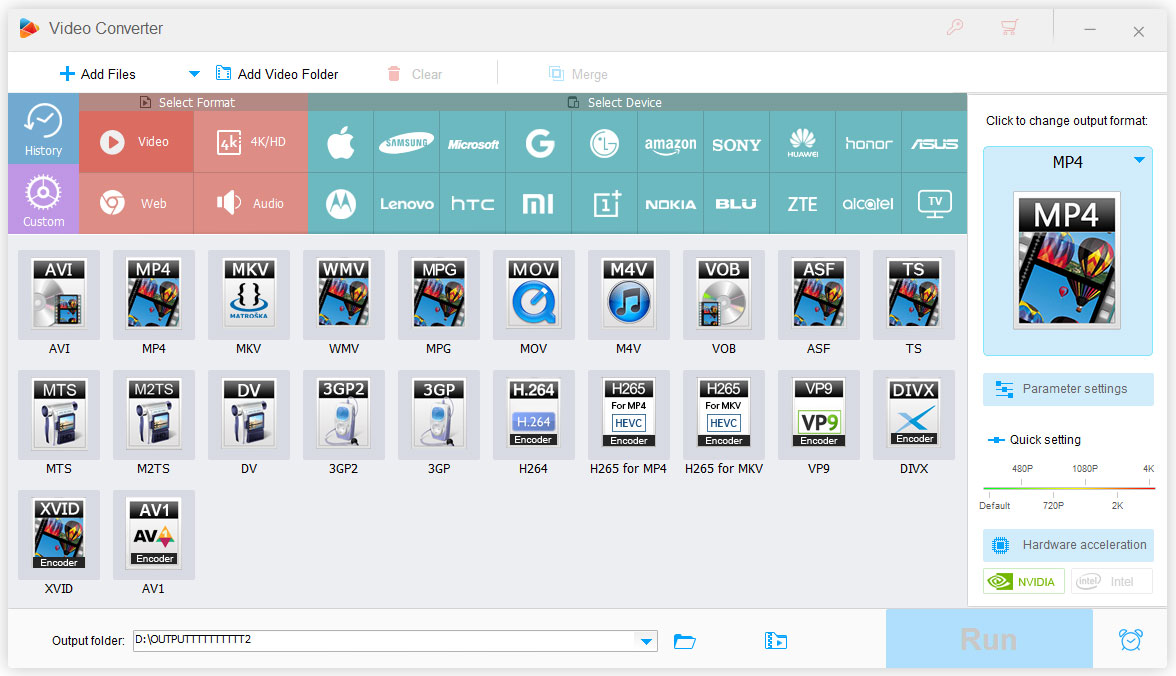 HD Video Converter Factory Pro is equipped with advanced High-Definition (HD) video conversion technology. It can help users convert videos from Standard-Definition (SD) to High-Definition (HD) like HD MP4, HD MKV, HD AVI, HD MTS, HD TRP, even 4k standard and also enables users to cut down the video size (convert HD videos to SD videos).
Windows | Shareware
Read More
AUDFREE TIDAL MUSIC CONVERTER FOR WINDOWS 3.10.0
Audio & Multimedia :: Rippers & Converters
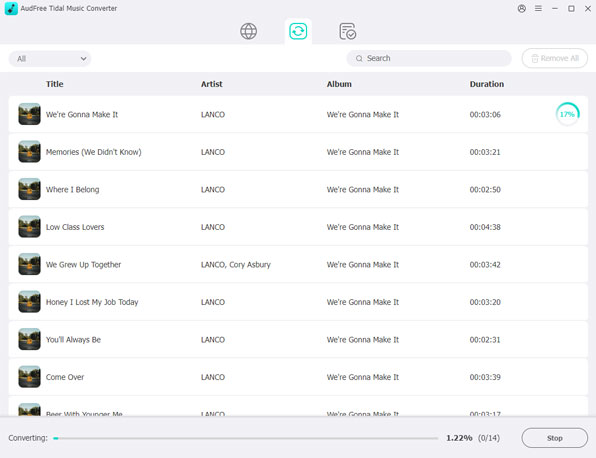 As a smart Tidal DRM removal tool and music converter, AudFree Tidal Music Converter works at up to 37X faster speed to download protected Tidal tracks and convert Tidal songs to MP3, FLAC, WAV, M4A, AIFF, Lossless and M4B on PC. With the professional Tidal music downloader, it?s easy to listen to Tidal songs with original quality and ID3 tags on any device and music player offline even if you have canceled the premium plan on Tidal.
Windows | Shareware
Read More