


N5 Net Software Repository
Your one-stop for all your software needs.
Search N5 Net Software Repository:
Search Files
Sponsor:
Browse:
- Audio & Multimedia (1582)
- Business (1741)
- Communications (469)
- Desktop (134)
- Development (571)
- Education (165)
- Games & Entertainment (709)
- Graphic Apps (683)
- Home & Hobby (106)
- Network & Internet (544)
- Security & Privacy (505)
- Servers (67)
- System Utilities (9267)
- Web Development (284)
Areas Of Interest
Authors Area
Are you a software author? Take a look at our Author Resource Center where you will find marketing tools, software specifically created for promoting your software and a ton of other helpful resources.
DefPrin 1.96

(Click to Enlarge)
Checks that your default printer is the one you want and not that one in the Business Centre where you were working yesterday, so the confidential report you are about to print need not be read by all your colleagues or competitors. An absolute godsend for mobile laptop users. Easy one-click selection of alternative default printer from list. Here's a little story to amuse you and to illustrate DefPrin. John travels to a number of sites at different locations where he is able to plug his laptop into the corporate network in the local business centre and use the printers there. At each site he has to remember to change his Windows Default Printer to one that is actually there if he wants to do any printing. One day he happily clicks on the Print button in his word processor program to print out a confidential report he has been preparing for his boss about the reorganization they have been planning. Unfortunately John had forgotten to change his Default Printer from the one he was using yesterday at the factory, with the result that the report is printed over there while John is wondering where it has got to. By chance the person who finds the report lying in the printer's output tray at the factory is a local union representative. He finds it very interesting reading. John's boss finds out before John does that the sensitive news has leaked, and John wonders whether he will still have the new role he had expected. If John had DefPrin installed on his PC the software would have reminded him as soon as he had switched it on, saving him a great deal of embarrassment and heartache. DefPrin is a really neat little solution to the problem of having too many things to remember to do. It doesn't just provide a passive function that you have to remember to call upon - it remembers for you and reminds you every time.
Specifications:
Version: 1.96 |
Download
|

Similar Products:
System Utilities :: Printer
 Graph Paper Generator generates Cartesian (square), Multilevel Cartesian, and Hexagonal graph paper. It has a WYSIWYG configuration interface with a docking property window that allows fast, interactive specification of the graph paper. Cell sizes are specified in milimeters, and line thicknesses are specified in printer pixels. You can customise line color, thickness, style (dash, dot, solid, etc). You can set a background color for the page.
Windows | Shareware
Read More
System Utilities :: Printer
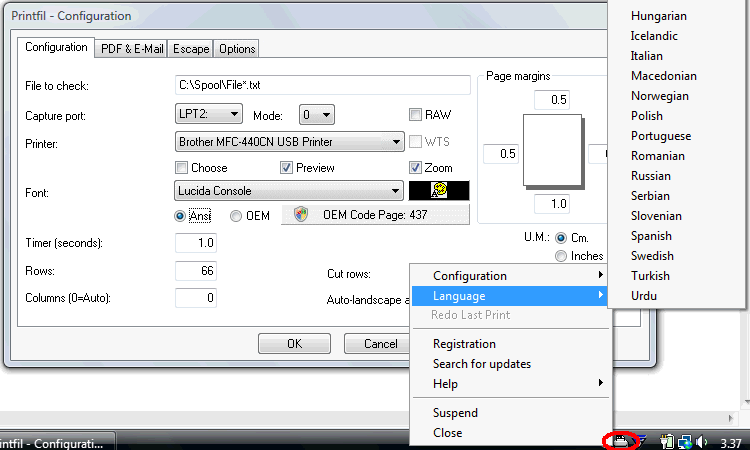 Print from DOS, Unix, Linux to Windows printers: USB, GDI, PDF, e-mail, network, fax, IP. Capture PRN: , LPT1:-LPT9: & COM1:-COM9: and redirect the print jobs, even to a printer phisically connected to the captured port. It also allows preview printing, include logos and background img, send the jobs via fax/e-mail, use specialist fonts (like barcodes), colorize the text, export in PDF, archive copies, same job to multiple printers and more.
Windows | Shareware
Read More
System Utilities :: Printer
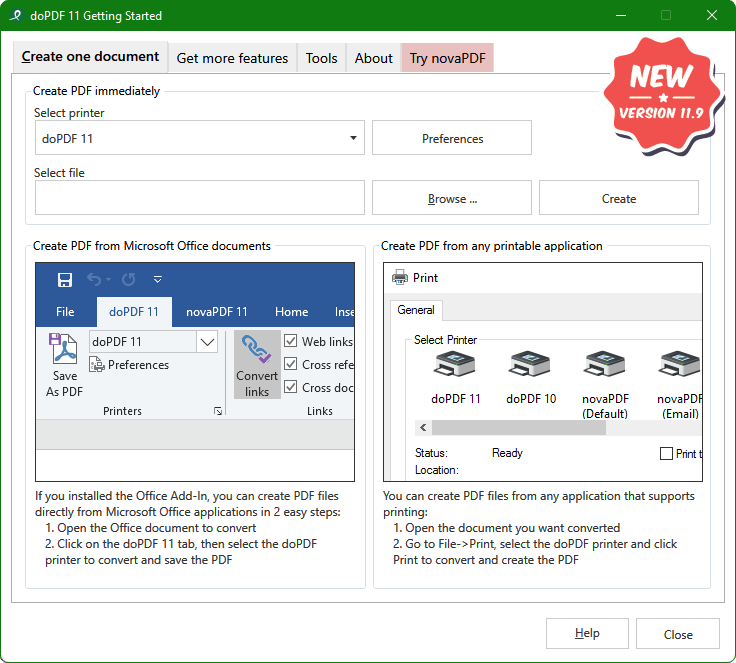 doPDF allows you to freely convert documents to PDF files, including emails, MS Office documents, web pages, text. It works as a printer driver and you can convert to PDF from any Windows application that supports printing - just set doPDF as the default printer and the document will be converted and saved as PDF file. Features include: customizable resolution, predefined page size, quality settings and much more.
Windows | Freeware
Read More
System Utilities :: Printer
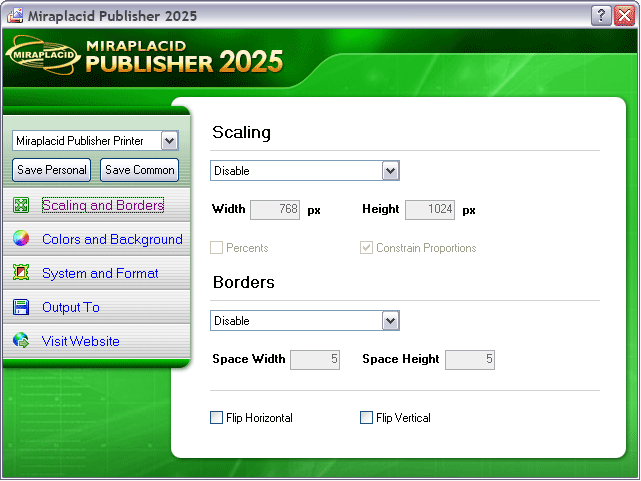 Miraplacid Publisher converts any printable documents to images. Miraplacid Publisher supports following output formats: PDF, JPEG, TIFF, BMP, PNG, TGA, GIF. Scale the image as you need, adgust colors and gamma, set output format and compression ratio, get rid of unused white borders. Save to file, upload to FTP or HTTP server, email or print to a real printer. Multi-page images suppor. Free SDK.
Windows | Shareware
Read More